1
Type B:
1
2
3
4
5
6
7
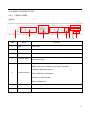
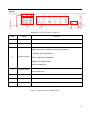
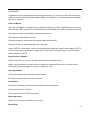
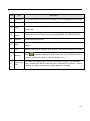
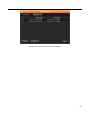
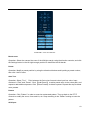
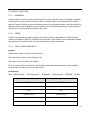
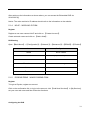
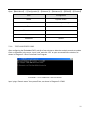
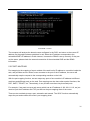
DIAGRAM 3-1 FRONT PANEL FUNCTION
Index
Name
Function
1
Sign
DVR Logo
2
Indicators
Power On, HDD/Network /Alarm/Recording Active
Directional controls: Up/Down can jump up or down. Activates the
digital input box to increase or decrease a number.
Left/Right: Switches screens
3
Directional keys
Enter: Operation confirmation
Switches to default button
Menu configuration.
4
Function Keys
Function keys, and the corresponding number key to switch or exit
the function keys
5
IR/Ext.IR
Receives signals from the remote control
6
USB
USB 2.0 Ports for mouse & external device
7
Power key
Long press to power on/off DVR system.
FORM 3-1 FRONT PANEL DESCRIPTION
9