1
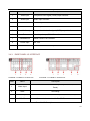
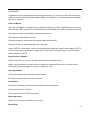
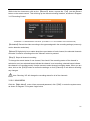
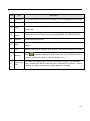
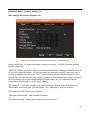
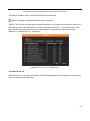
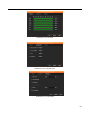
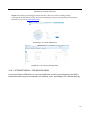
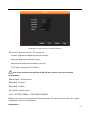
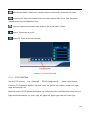
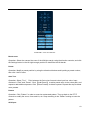
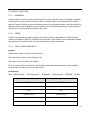
Selects motion detection area.
Set up regional coverage area.
Select 3D P/T/Z zoom function.
3.6. INPUT METHOD
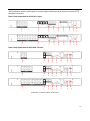
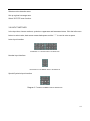
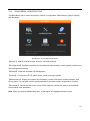
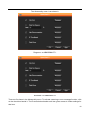
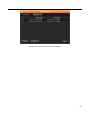
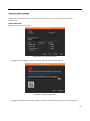
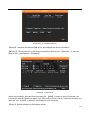
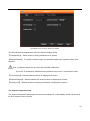
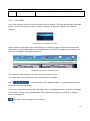
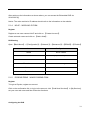
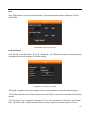
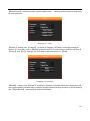
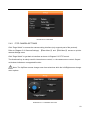
In the input box, choose numbers, symbols or uppercase and lowercase letters. Click the left mouse
button to select value; back arrow means backspace and the ―
˽‖ is used to enter a space.
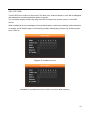
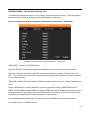
Letter Input Interface
DIAGRAM 3-5 LETTER INPUT INTERFACE
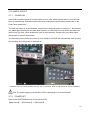
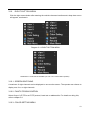
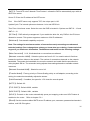
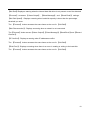
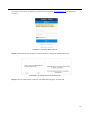
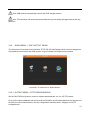
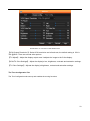
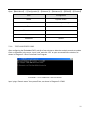
Number Input Interface
DIAGRAM 3-6 NUMBER INPUT INTERFACE
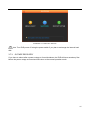
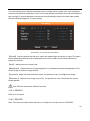
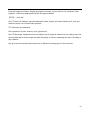
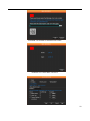
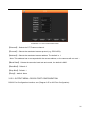
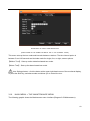
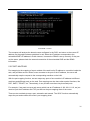
Special Symbols Input Interface
Diagram 3-7 SPECIAL SYMBOLS INPUT INTERFACE
14