1
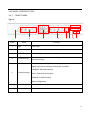
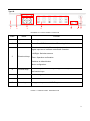
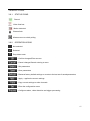
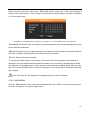
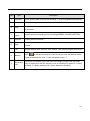
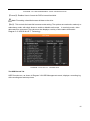
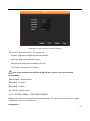
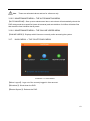
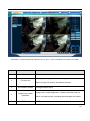
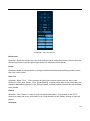
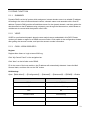
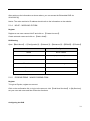
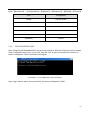
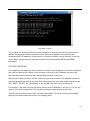
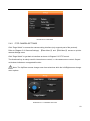
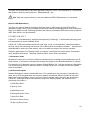
Multi-Screen switch: Switch from a single screen to multi-screen views and vice versa.
Local Record: Saves and records video to a local hard disk while in live view. Set up the
recording path in the Configuration menu.
Capture: Captures the present video channel. Set up the path in ―Other‖.
Sound: Turns audio on or off.
Video Off: Turns off the focus window.
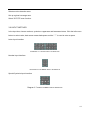
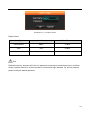
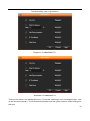
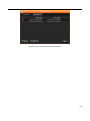
DIAGRAM 4-4 FUNCTION ICONS
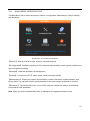
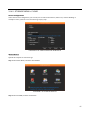
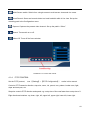
4.1.4. P/T/Z CONTROL
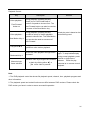
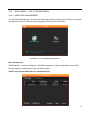
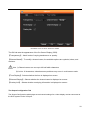
Set the P/T/Z protocol, (see 【Setting】→【P/T/Z Configuration】) earlier in this manual.
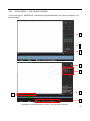
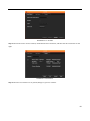
Control a P/T/Z camera’s direction, step size, zoom, iris, preset, tour, pattern, border scan, light,
wiper and auto pan, etc.
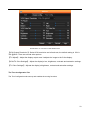
Step size controls P/T/Z direction and speed, e.g. a step size of 8 moves faster than a step size of 1.
Eight directional rotations: up, down, right, left, upper left, upper right, lower left, lower right.
68