1
175
Reference Manual
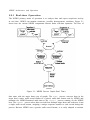
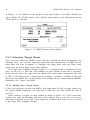
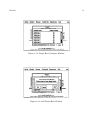
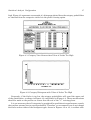
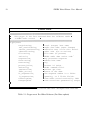
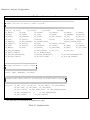
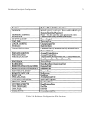
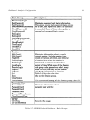
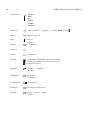
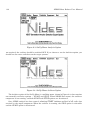
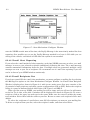
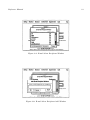
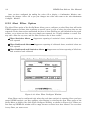
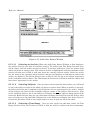
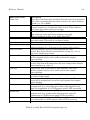
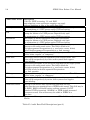
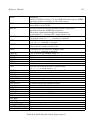
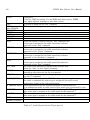
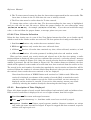
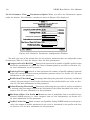
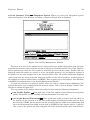
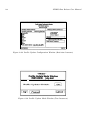
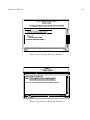
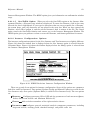
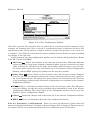
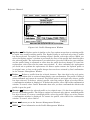
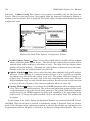
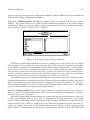
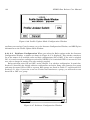
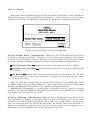
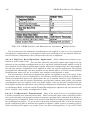
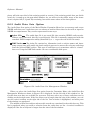
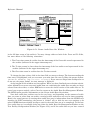
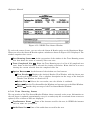
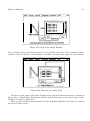
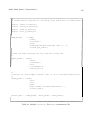
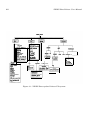
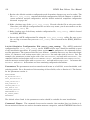
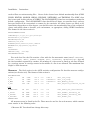
Figure 6.51: Create Audit Data Set Window
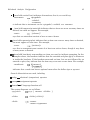
is the full time range of the archive). You may change either or both of the From and To fields,
but must adhere to the following constraints:
1. The From time cannot be earlier than the timestamp of the first audit record represented in
the archive (indicated in the upper timestamp set).
2. The To time cannot be later than the timestamp of the last audit record represented in the
archive (indicated in the upper timestamp set).
3. The From time must be earlier than the To time entered.
To change the time values, click in the time field you want to change. The box surrounding the
time entry is highlighted, and you can enter your new time. Be sure to follow the proper format:
(MO/DAY/YR HH:MM:SS) (e.g., (12/16/93 15:13:45)). If you enter an illegal time stamp value or
do not use the proper format, an error message is displayed.
At the bottom of this window are four options. When you have finalized your selection criteria,
select ADsetFile to create an actual audit data set containing the audit data records you have
selected from the archive, or select DMFindex to create the virtual version of the audit data set. To
cancel your request entirely, select Cancel to return to the Audit Data Set Management Window.
The HELP option provides information on the Create Audit Data Set window.
Note that audit data archives tend to be very large, and depending on the amount of audit
data you want to select from an archive, creating actual audit data sets can be time-consuming.
Hence, the actual process of creating these audit data sets is independent from the NIDES user
interface (in UNIX terminology, the process is “forked” off), so that the user can continue to do
other NIDES functions without having to wait for the audit data set to be completed. To find out
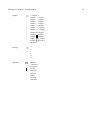
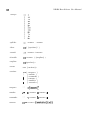
if an audit data set is available, bring up either the Audit Data Set Management Window or the
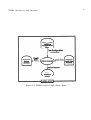
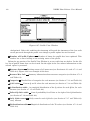
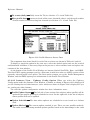
Test Facility Configuration Window (see Figure 6.53), and if the audit data set you have created