1
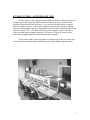
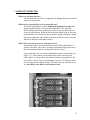
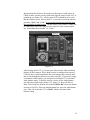
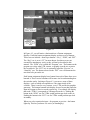
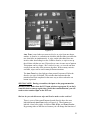
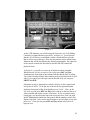
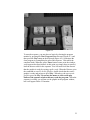
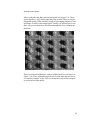
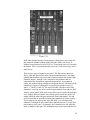
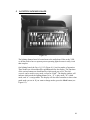
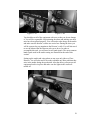
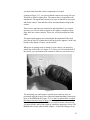
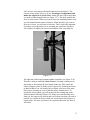
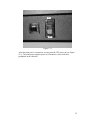
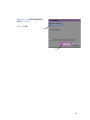
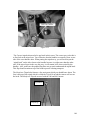
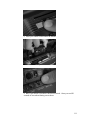
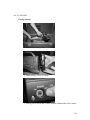
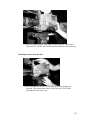
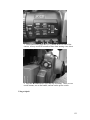
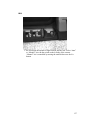
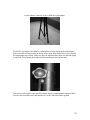
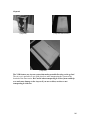
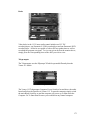
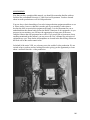
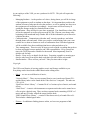
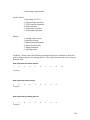
Figure 7.8
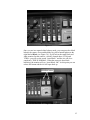
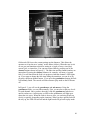
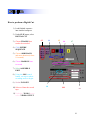
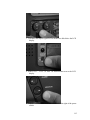
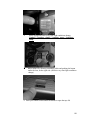
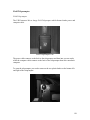
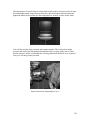
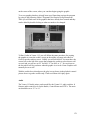
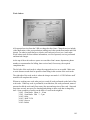
Above each fader is a series of knobs. The first knob is used to pan that
particular input. Panning an input is similar to the camera move with the
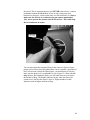
same name. This “pan” knob works hand-in-hand with the three buttons to
the right of each sliding fader. The first button, “Solo”, sends only that
channel to the studio control monitors without affecting the program
output. You will know that solo is on because red LED’s will blink to
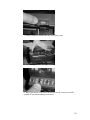
show which channel(s) are in solo mode. Beneath the solo button are three
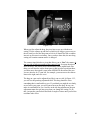
other ones labeled as follows: “1-2”, “3-4”, “L-R”. The first two buttons
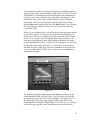
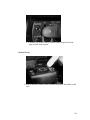
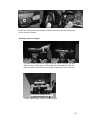
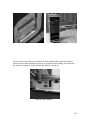
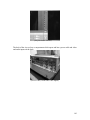
correspond to 4 Sub-faders that our mixer has (see Figure 7.12). These are
located between the last input and the “Main Mix” slider. They are labeled
“Sub 1” through “Sub 4”. These sub-faders can be used for a variety of
purposes, which you can learn about on an individual basis. The L-R
button corresponds to left and right output channels and must be pressed
down for the audio from that input to be sent to the audio board main
output. Now that you know what each of these buttons are for, you will be
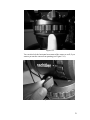
able to understand the purpose of the pan knob. When this “pan” knob is
pointing up, the output audio signal for that input gets sent equally to both
sub-faders or both output channels, depending on which buttons are
activated. Moving the pan switch to the left will distribute more of the
signal to either the left channel, Sub 1, or Sub 3—depending on which
button is selected. Turning the knob to the right will send more of the
signal to the right channel, Sub 2, or Sub 4. The balance of sound between
channels or sub-faders varies according to how far you turn the pan knob
39