1
Chapter 3: Preprocessing Tasks
Several preprocessing tasks are included in Flow-IQ v2.2 to aid the user in producing
quality results. The available preprocessing tasks and corresponding user-definable
options are briefly summarized in this section. This section also deals with the addition,
removal, and performance of preprocessing tasks. Preprocessing tasks may be run alone
or in conjunction with other tasks. The input files for Preprocessing are 8 bit “.tif”
images.
Adding Preprocessing Tasks
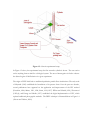
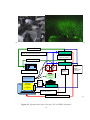
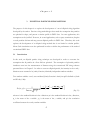
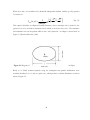
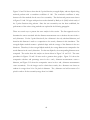
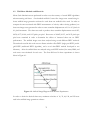
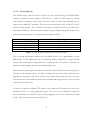
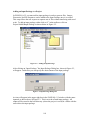
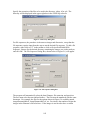
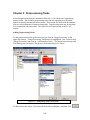
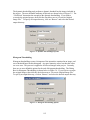
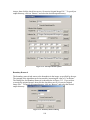
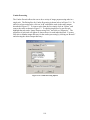
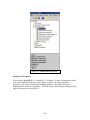
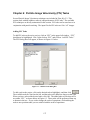
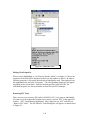
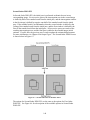
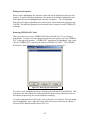
To add preprocessing tasks to the active project, click on “Image Processing” in the
upper-left window. “Image Processing” should now be highlighted. Now, right-click on
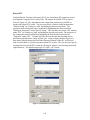
“Image Processing” and click on “Add ImagePro Tasks.” The Image Preprocessing Add
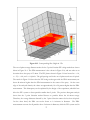
Task Dialog Box will appear. This process is shown in Figure 3.1 below.
Figure 3. 1: Adding Image Preprocessing Tasks
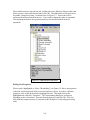
To add a task to the project, click on the desired task to highlight it, and then click
109