1
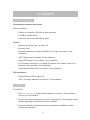
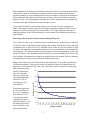
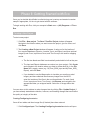
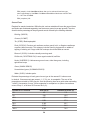
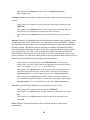
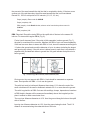
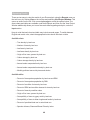
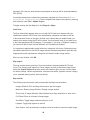
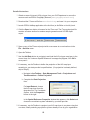
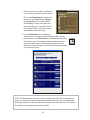
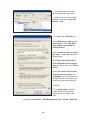
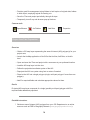
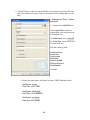
Each GRIDCODE value corresponds to one
land cover category.
Use the GRIDCODEs to decipher the land
cover data.
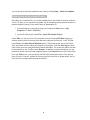
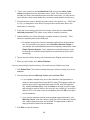
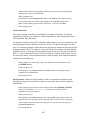
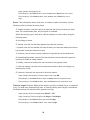
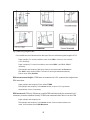
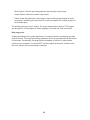
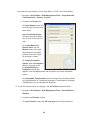
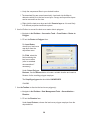
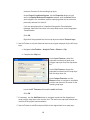
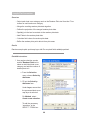
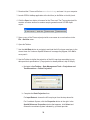
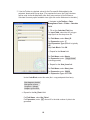
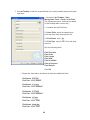
b In the tool bar, choose Selection > Select
by Attributes.
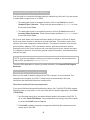
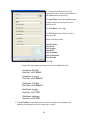
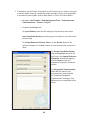
c Complete the Select by Attributes form.
For Layer, select your processed land cover
map layer.
For Method, select Create a new selection.
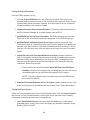
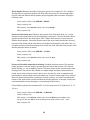
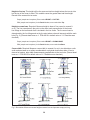
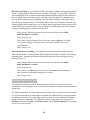
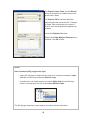
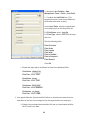
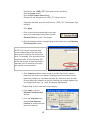
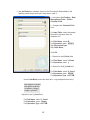
To add the necessary “equations” to the
SELECT * FROM box at the bottom:
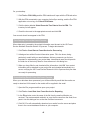
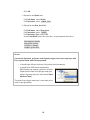
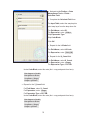
1. Double-click the “GRIDCODE” field name from the list above.
2. Click the equals button.
3. Click the Get Unique Values button.
4. Double-click the first land cover GRIDCODE value in the list.
A properly formatted query will look like this: “GRIDCODE”=11.
Click Apply.
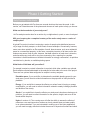
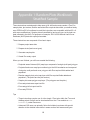
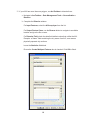
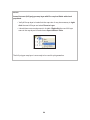
d With the features in this first land cover
category selected, use ArcToolbox to give the
land cover category a text name.
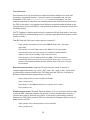
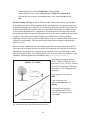
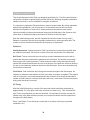
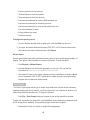
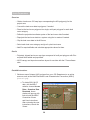
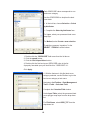
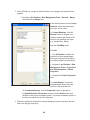
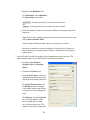
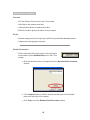
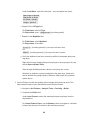
Navigate to ArcToolbox > Data Management
Tools > Fields > Calculate Field.
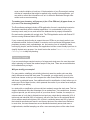
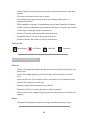
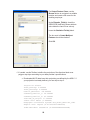
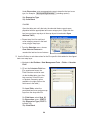
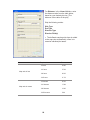
Complete the Calculate Field window.
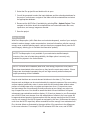
Under Input Table, select the processed land
cover polygon map layer from the drop-down
list.
For Field Name, select GRID_TXT from the
drop-down list.
63