1
Page 25 of 72
SMT 4.1 User’s Guide (Windows Version)
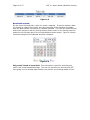
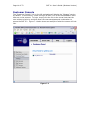
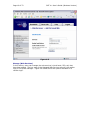
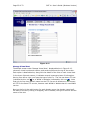
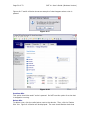
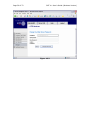
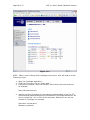
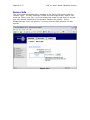
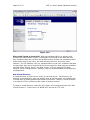
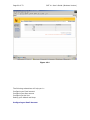
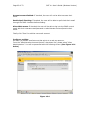
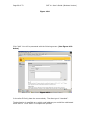
Figure 8-11
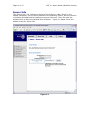
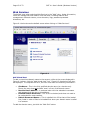
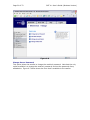
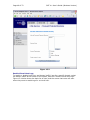
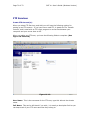
Manage Virtual Host
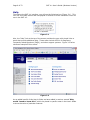
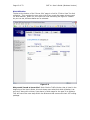
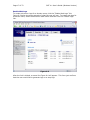
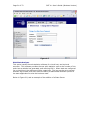
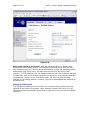
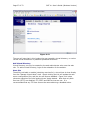
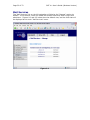
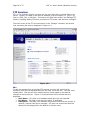
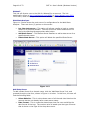
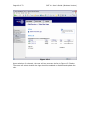
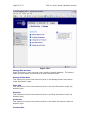
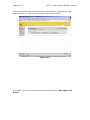
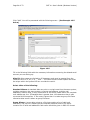
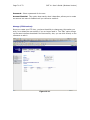
The default screen under ‘Manage Virtual Host’, displayed below in Figure 8-12,
shows all virtual host domain names, and several options at the top of the screen.
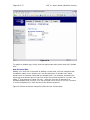
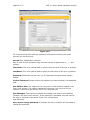
Each option is detailed below, along with the details of the links of each virtual host.
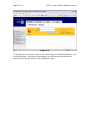
In the chart of domain names, it indicates several important pieces of information.
Moving from left to right, you have the type of site it is. The site can be an FTP site
) or a ‘WWW’ or Website (indicated by this icon
). Note
(indicated by this icon
that only the top level domain name has the FTP icon as all domains on the account
will FTP to the same FTP service, however each WWW or Website has it’s own WWW
service.
Next on the list is the radio button for each domain name, the domain name itself,
the state of the site (running or stopped), the IP address, the type of service and the
owner of the site.