1
SuperBlade User's Manual
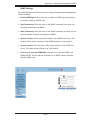
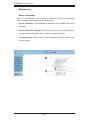
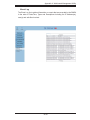
Update Firmware
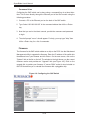
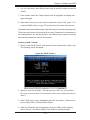
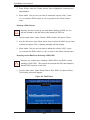
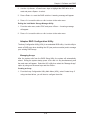
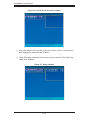
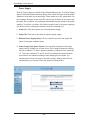
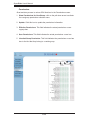
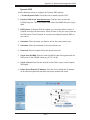
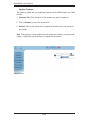
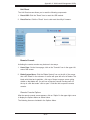
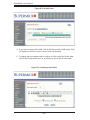
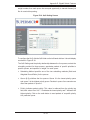
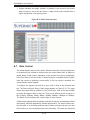
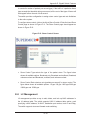
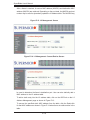
This screen is where you can update the firmware for the SIMCM card in the CMM
module.
1. Firmware File: Enter the name of the firmware you want to update or:
2. Click on Browse to select the firmware file.
3. Upload: Click on the Upload icon to upload the firmware file to the server for
the update.
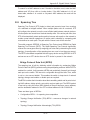
Note: This process is not reversible once the firmware is updated, so proceed with
caution. It might take a few minutes to complete this procedure.
2
1
3
A-36