1
NVR User Manual
7 Manage NVR
7.1 Check System Information
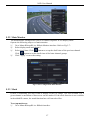
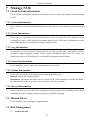
Check system information includes six submenus: system, event, log, network, online user and
record.
7.1.1 System Information
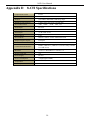
In this interface, user can check the hardware version, MCU version, kernel version, device ID,
etc.
7.1.2 Event Information
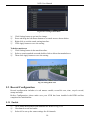
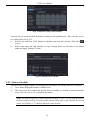
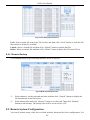
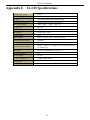
In this tab, you can search for events like motion, sensor and video loss. The utility provides
an interface to have a date based and a channel based search. This report can further be saved
on a USB flash drive as an html file using the export button.
7.1.3 Log Information
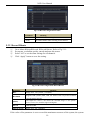
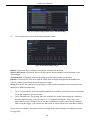
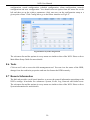
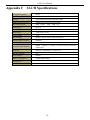
In this tab, you can search for relevant logs as per the set date and event which includes
operation, setup, playback, backup, search, check information and error. This report can
further be saved on a USB flash drive as an html file using the export button.
7.1.4 Network Information
In this interface, you can check relevant parameters of network.
7.1.5 Online Information
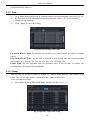
In this tab, you can check the details of the connected online users.
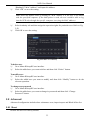
Refresh: refresh the current interface.
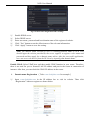
Disconnect: Disconnect the online users to access NVR. If this function is used by the admin,
the particular PC will not be able to access the device for five minutes.
7.1.6 Record Information
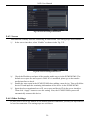
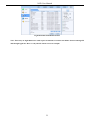
In this interface, you can check the resolution, ftp and record status including sensor alarm
recording, motion recording, manual recording or schedule recording.
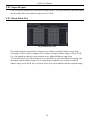
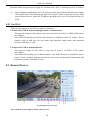
7.2 Manual Alarm
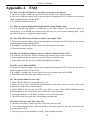
In this interface, user can trigger a manual alarm.
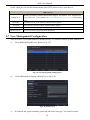
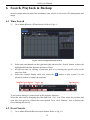
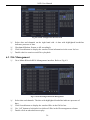
7.3 Disk Management
1.
Format the disk
39