1
4.2.1. Method name, description and dates
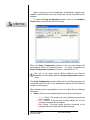
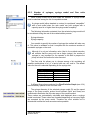
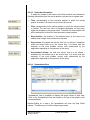
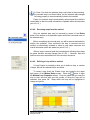
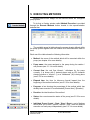
To create a new method click the Define Methods button located on the
experimentation assistant bar. In the Methods Definition window press the
Add New button to bring up the Method Setup window.
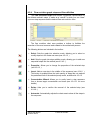
Enter a unique name for the method. In order to facilitate the exportation
and importation tasks (see 4.3) the method name only allows the same
characters that are allowed for a file name. A method description of up to
255 characters can also be entered.
As informative fields, Modified Date (the date of the last modification) and
Created Date (the date when the method was first created) are updated
automatically and are not editable.
4.2.2. Pump and rack model selection
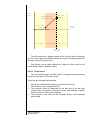
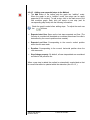
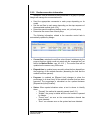
A pump must be selected from the list of previously defined pumps. To
select a pump press the
button, located next to the Pump Model field.
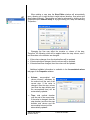
The pump’s definition provides Adagio with the following information:
- Maximum amount of syringes mountable in the rack model
- Maximum and minimum speed of the pump model
- Maximum capacity of the pump model
Adagio User Manual
5619-001 Rev B
© 2010 KD Scientific
21