1
In section 1.7 “Troubleshooting” starting on page 42 the solution to various problems are
described. It might be license file problems, compiler problems, issues with Simulink,
change of language etc.
1.1
Installation on Windows
This section refers
only to the Windows
version of Dymola.
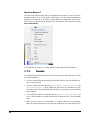
To install Dymola the following tasks must be performed:
•
Install the Dymola software and libraries.
•
Install a C compiler (if it has not been done before).
•
Install the Dymola license file.
•
Install a license server (sharable license only).
Following installation the user may do additional setup. The installation of updates and removal of Dymola is also described below.
1.1.1
Dymola as 32-bit and 64-bit application
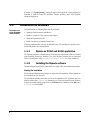
The Dymola program is available both as 32-bit and 64-bit applications. Both are installed
when installing Dymola on Windows. The 64-bit Dymola program (and its associated
DLLs) is located in the folder Program Files\Dymola 2015\bin64 after installation.
1.1.2
Installing the Dymola software
Dymola and appropriate libraries is distributed on a single CD or downloaded electronically.
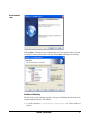
Starting the installation
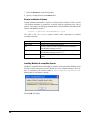
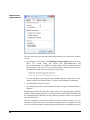
Please note that Administrator privileges are required for this installation. When Dymola has
been installed, any user can run it.
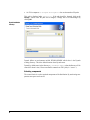
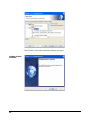
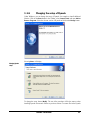
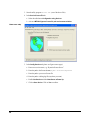
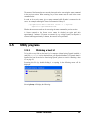
The installation normally starts when you insert the distribution CD. If autostart has been
disabled, please start D:\setup.exe (assuming your CD drive is labeled D) from Windows
Explorer by double clicking on the file or use the Start button in Windows, select Run, enter
D:\setup.exe and click OK.
6