1
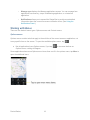
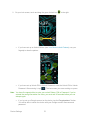
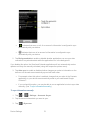
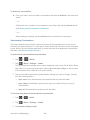
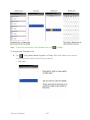
4. Tap
to return to the previous screen.
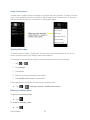
5. For more detailed Work/Corporate email information, see Corporate Email (Outlook.). For
more information on Corporate Calendar synchronizing, see Displaying and
Synchronizing Calendars
Privacy: Factory Data Reset
Resetting the device restores all the factory defaults, including personal data from internal
device storage, information about your Google Account, any other accounts, your system and
application settings, and any downloaded applications. Resetting the device does not erase any
system software updates you’ve downloaded or any files on your microSD card, such as music,
pictures, or applications. After resetting the device, the next time you turn on the device, you’re
prompted to reenter the same kind of information as when you first started the device. See
Activating Your Device.
1. Tap
>
> Settings > Privacy > Factory data reset.
2. If you are certain that you would like to restore all factory settings, tap Reset phone.
3. Enter your unlock Pattern, PIN, or Password if you have configured one.
4. Tap Erase everything to confirm.
Accounts and Messaging
113