1
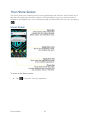
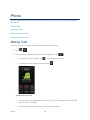
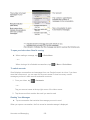
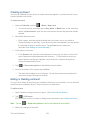
► Tap
>
> Call log.
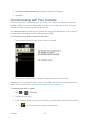
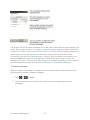
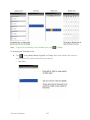
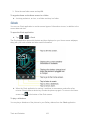
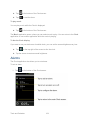
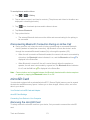
Calls are listed in the Call log tab, the most recent calls are located at the top of the list. Scroll
down to see older entries.
Note: Call log records only calls that occur while the device is turned on. If a call is received
while your device is turned off, it will not be included in the call log. If you return a call
from the voicemail menu, it will not be included in your phone’s Call log.
Call Log Options
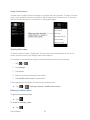
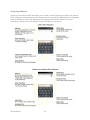
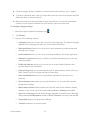
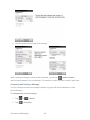
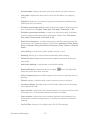
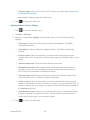
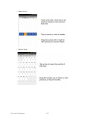
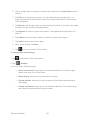
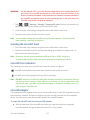
Tap an entry to view the date and time of the call and call duration. The following options are
available:
●
Call again to make a call.
●
Send text message to send a text message.
●
Add to contacts to add an entry's number to your Contacts.
●
View contact to view the contact entry.
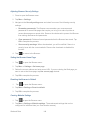
If several calls were made to one number or received by one number, the calls are displayed as
one entry. When you tap this entry, the individual call logs are opened.
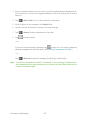
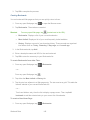
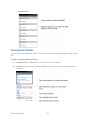
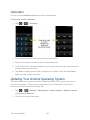
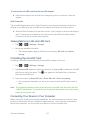
You can also touch and hold the entry to open a menu with more options, to communicate with
that contact in other ways.
●
Call to make a call.
●
View contact (for entries saved in Contacts) to view contact information.
●
Edit number before call to edit a number before you redial.
Phone
53