1
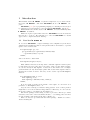
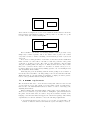
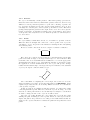
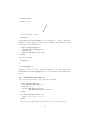
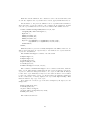
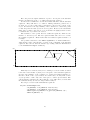
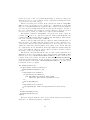
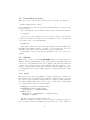
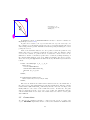
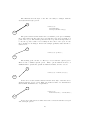
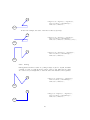
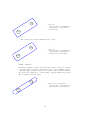
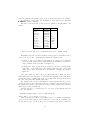
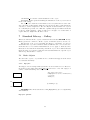
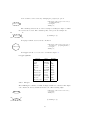
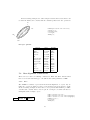
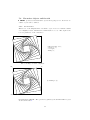
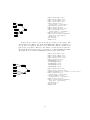
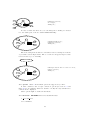
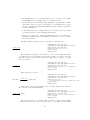
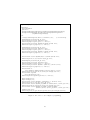
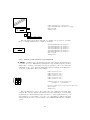
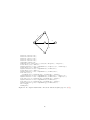
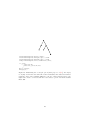
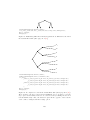
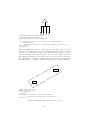
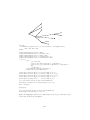
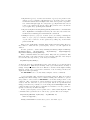
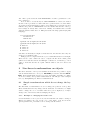
The thickness and the style of the line can easily be changed with the
linewidth and linestyle options.
end
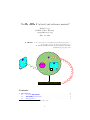
ncline(a)(b)
"linewidth(1mm)",
"linestyle(dashed evenly)";
start
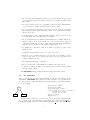
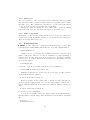
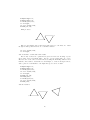
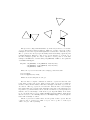
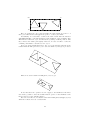
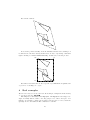
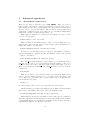
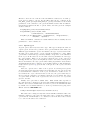
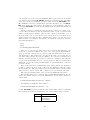
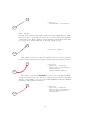
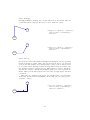
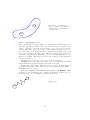
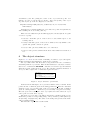
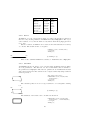
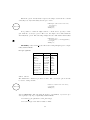
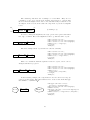
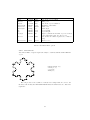
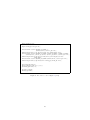
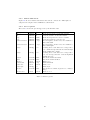
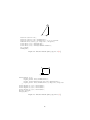
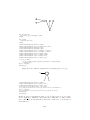
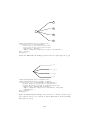
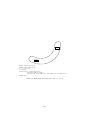
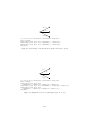
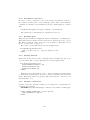
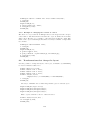
The position where the line starts can be set with the posA option. Similarly,
the position where the line ends can be set with the posB option. It must be a
point of the object. The default positions are the ic points. It is important not
to use the c point, because c is not always at the center of an object, in case
the bounding box is changed. In the next example, posA(n) causes the line to
start at a.n.
end
ncline(a)(b) "posA(n)";
start
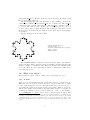
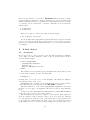
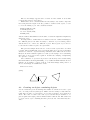
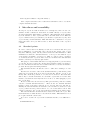
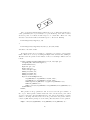
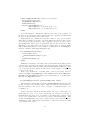
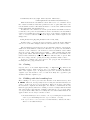
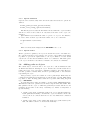
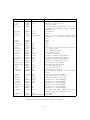
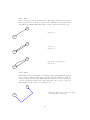
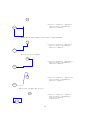
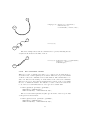
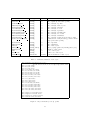
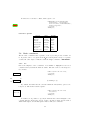
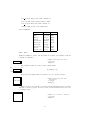
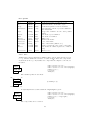
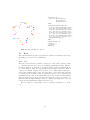
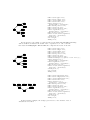
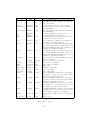
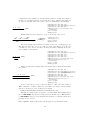
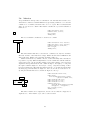
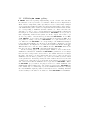
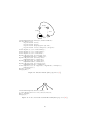
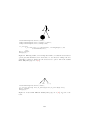
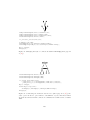
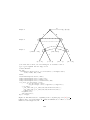
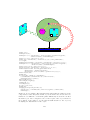
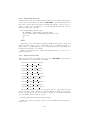
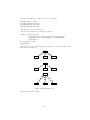
The starting point can also be offset by a vector with the offsetA option.
There is also a similar offsetB option. These options differ from those of
PSTricks where offsetA and offsetB are numerical values, and not vectors.
end
ncline(a)(b) "offsetA((1cm,0))";
start
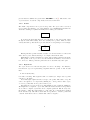
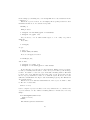
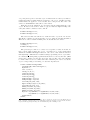
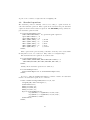
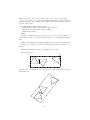
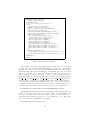
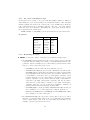
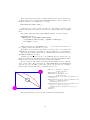
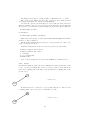
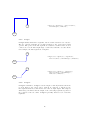
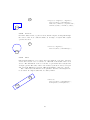
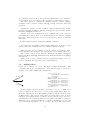
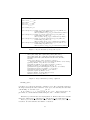
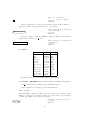
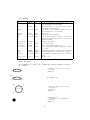
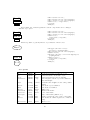
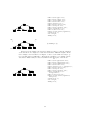
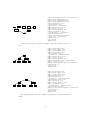
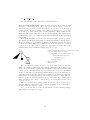
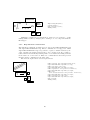
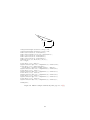
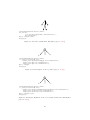
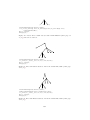
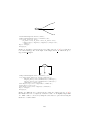
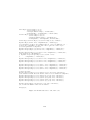
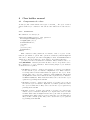
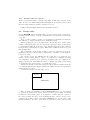
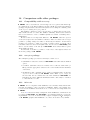
A line can be doubled with doubleline and the arrow style of the line can be
changed with the arrows option. This option takes a name of a draw function
such as draw, drawarrow, etc. as parameter.
end
ncline(a)(b)
"doubleline(true)", "arrows(draw)";
start
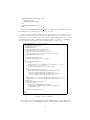
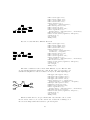
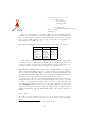
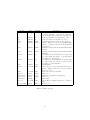
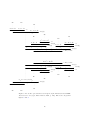
A gap can be introduced at either ends of the connection with the nodesepA
and nodesepB options.
43