1
Delete Files
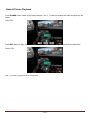
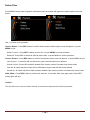
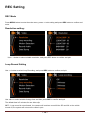
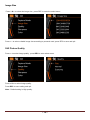
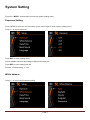
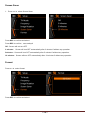
Press MENU button under Playback or Browse mode, the system will appear the delete option menu like
below:
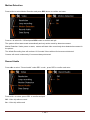
Use < > button to do operation:
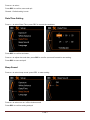
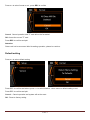
Choose Delete:Press REC button to confirm delete and the delete option menu will appear, or press
MENU to quit.
Delete Current:Press REC to delete current file, or press MENU to cancel operation.
Delete All: Press REC to delete all video & picture files, or press MENU to cancel operation.
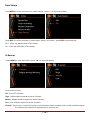
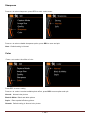
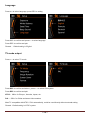
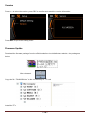
Choose Protect : Press REC button to confirm and protect option menu will appear, or press MENU to quit.
Lock Current : Current file will not effected by loop record and will not be deleted.
Unlock Current: Current file would be deleted if the memory card is full under loop record mode.
Lock All: All video and picture files will not effected by loop record and will not be deleted.
Unlock All : All video and picture files would be deleted if the memory card is full under loop record mode.
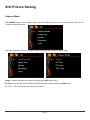
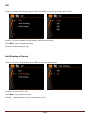
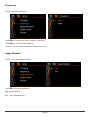
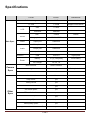
Slide Show:Press REC button to confirm and enter the “2 seconds” slide show play mode. Press REC
button again will quit.
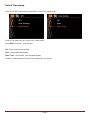
Caution:
The files will not be recovered after deleted, recommend to backup before do this operation.
~ 10 ~