1
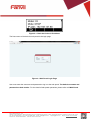
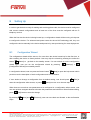
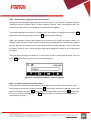
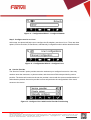
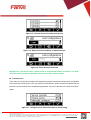
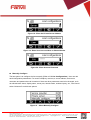
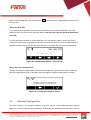
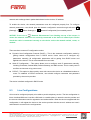
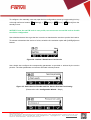
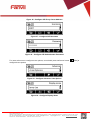
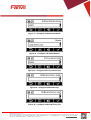
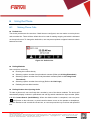
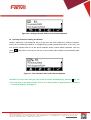
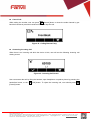
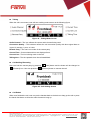
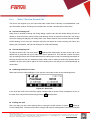
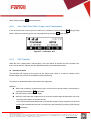
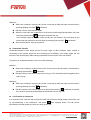
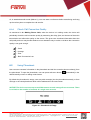
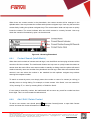
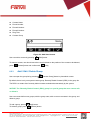
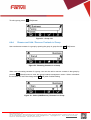
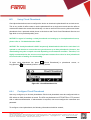
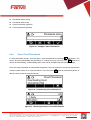
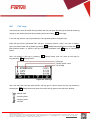
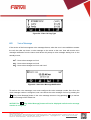
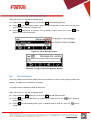
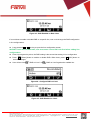
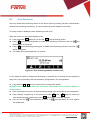
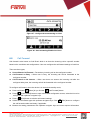
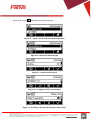
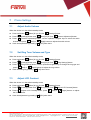
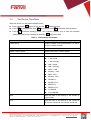
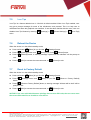
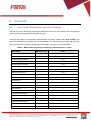
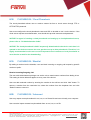
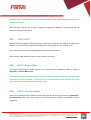
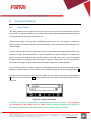
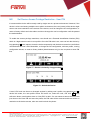
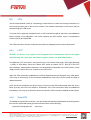
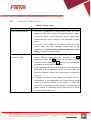
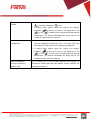
<文档标题> Phonebook name (must) Phonebook URL (must) Access username (optional) Access password (optional) Figure 55 - Configure Cloud Phonebook 6.3.2 Open Cloud Phonebook In cloud phonebook screen, user can open a cloud phonebook by pressing [OK] button. The device will start downloading the phonebook. If it takes too long, user may click [Cancel] to cancel the downloading. If downloading failed, user will be prompted with a warning message. Once the cloud phonebook is downloaded completed, user may browse the contact list and dial the contact number same as in local phonebook. User can press add the cloud contact to local phonebook. [Add to Phonebook] button to Figure 56 - Downloading Cloud Phonebook Figure 57 - Browsing Contacts in Cloud Phonebook Fanvil Technology Co., Ltd HQ Add: Level 3, Block A, Gaoxinqi Building, Anhua Industrial Park, Qianjin 1 Road, 35th District, Bao'An, Shenzhen, 518101 P.R. China Tel: +86-755-2640-2199 Fax: +86-755-2640-2618 Email: [email protected] [email protected] Beijing Tel:+86-10-5753-6809 Suzhou Tel: +86-512-6592-0605 SEA Tel: +60-3-512-21997