1
<文档标题>
5
Setting Up
In order to get the device ready for making and receiving phone calls, the device must be configured
with correct network configurations and at least one of the lines must be configured with an IP
telephony service.
When the first time the device is being booted up, a configuration wizard will be running to help user
to configure the device. For advanced and power users who know VoIP technology well, they can
configure the device manually in the device web portal or by auto-provisioning for mass deployment.
5.1
Configuration Wizard
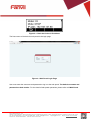
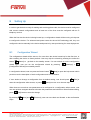
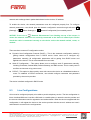
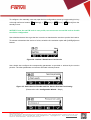
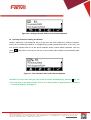
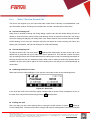
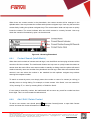
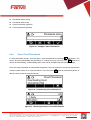
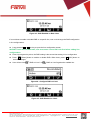
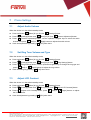
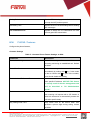
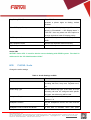
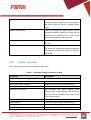
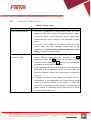
The configuration wizard will be auto-run for once when the device booted up for the first time, or
after resetting the device to factory default. User may skip the wizard by pressing the soft-menu
button
[Return] to get back to the standby screen. If a user wishes to run the configuration
wizard again, user can run the configuration wizard by pressing
[Configuration Wizard] from standby screen.
[Settings] ->
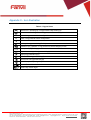
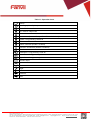
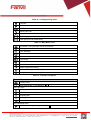
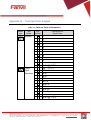
[Help] to open the help screen which
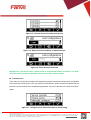
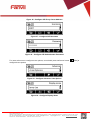
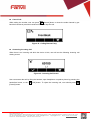
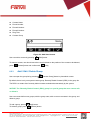
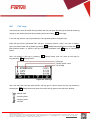
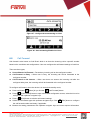
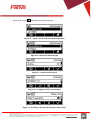
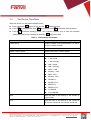
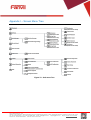
In configuration wizard, user can press soft-menu button
provides user the description of each configuration and icon illustration.
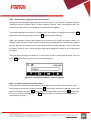
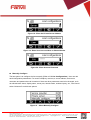
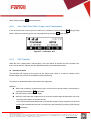
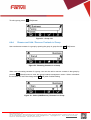
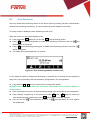
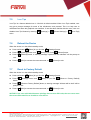
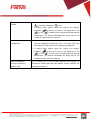
If user wishes to change a configuration from its default setting, user should press
enter the configuration editor screen, or press
[Edit] to
[Next] to move on to the next step.
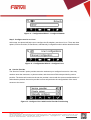
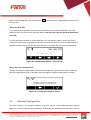
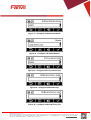
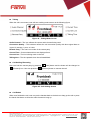
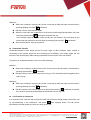
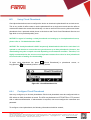
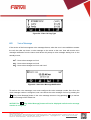
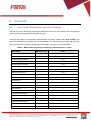
When there are more than one parameters to be configured in a configuration editor screen, user
can use up/down navigator buttons to browse the parameters and edit them. When finished editing,
press
By pressing
steps.
[OK] button to save the change.
[Next] and
[Previous], user can move back and forward .to the confituration
Fanvil Technology Co., Ltd
HQ Add: Level 3, Block A, Gaoxinqi Building, Anhua Industrial Park, Qianjin 1 Road, 35th District, Bao'An, Shenzhen, 518101 P.R. China
Tel: +86-755-2640-2199 Fax: +86-755-2640-2618 Email: [email protected] [email protected] Beijing Tel:+86-10-5753-6809
Suzhou Tel: +86-512-6592-0605 SEA Tel: +60-3-512-21997