1
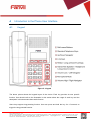
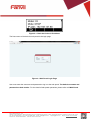
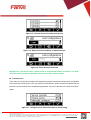
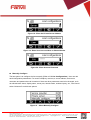
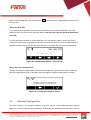
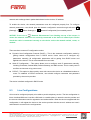
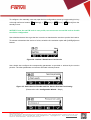
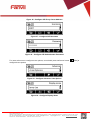
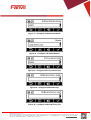
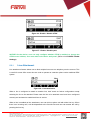
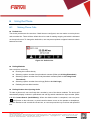
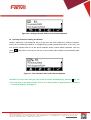
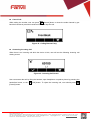
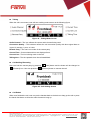
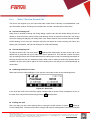
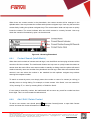
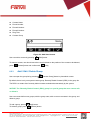
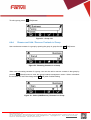
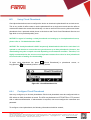
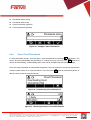
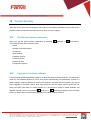
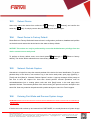
<文档标题> 6 Using the Phone 6.1 Making Phone Calls Default Line The device provides two line services. If both lines are configured, user can make or receive phone calls on either line. There will be a default line to be used for making outgoing call which is indicated on the top left corner. To change the default line, user can press up/down navigator buttons to switch between two lines. Figure 39 - Default Line Dialing Methods User can dial a number by, Entering the number directly Selecting a phone number from phonebook contacts (Refer to 6.2 Using Phonebook) Selecting a phone number from cloud phonebook contacts (Refer to 6.3 Using Cloud Phonebook) Selecting a phone number from call logs (Refer to 6.4 Call Logs) Redialing the last dialed number Dialing Number then Opening Audio To make a phone call, user can firstly dial a number by one of the above methods. The device will automatically display numbers in phonebook and call logs which matched the input number (Refer to 6.2.1 Contact Search (Intelli-Match)). When the dialed number is completed, user can press [OK] button on the soft-menu, or press hand-free button to turn on the speaker or headphone, or lift the handset to call out with the current line, or user can press line key to call out with specified line. Fanvil Technology Co., Ltd HQ Add: Level 3, Block A, Gaoxinqi Building, Anhua Industrial Park, Qianjin 1 Road, 35th District, Bao'An, Shenzhen, 518101 P.R. China Tel: +86-755-2640-2199 Fax: +86-755-2640-2618 Email: [email protected] [email protected] Beijing Tel:+86-10-5753-6809 Suzhou Tel: +86-512-6592-0605 SEA Tel: +60-3-512-21997