1
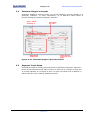
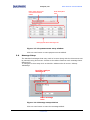
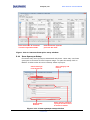
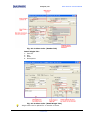
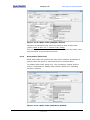
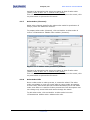
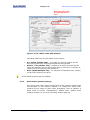
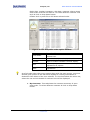
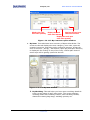
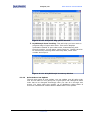
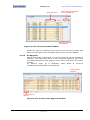
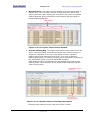
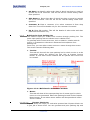
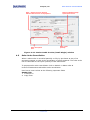
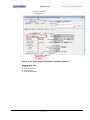
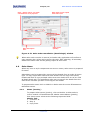
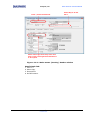
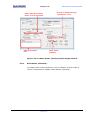
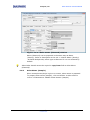
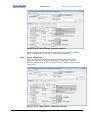
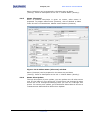
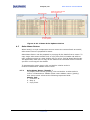
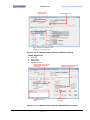
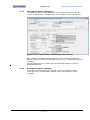
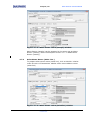
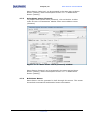
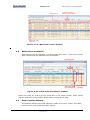
Diaspark, Inc. Sales Order & Invoice Module Order date, number & quantity, ship date, customer inform whom sales order received and item id. To select different customer id & style id click on drop down button. Double click or press F3 to drill down selected order. Figure: 4.2.11.2 By sales order option window Button View Detail Print Column Sort Filter Functionality Views details at sales order window of the selected row. Prints the description displayed at the screen. Displays the details of enabled column and helps to enable & disable columns display. Help to specify sort columns and modify expressions of column. Helps to specify filter on columns and verify expressions. At all the tabs other than query option along with the main screen, one more window gets opened to the left which displays a vertical presentation of Production Plan Sheet of the item selected. To view brief about the other row, select the row and the details for selected row will be displayed. By Customer: This tab shows the customer summary of open sales order. To select different customer id click on drop down button. Sales Order & Invoice-UM- V 2.0 Page 28of 52 Confidential Creation Date 28-08-2012