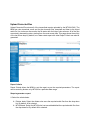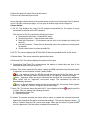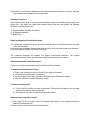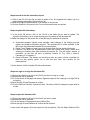
1
button.
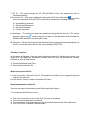
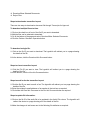
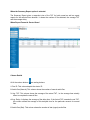
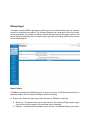
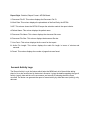
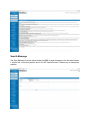
Steps to play an Audio File:
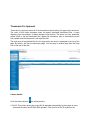
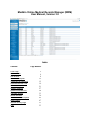
1. In the first column, click on the File ID. The hyperlink will redirect you to a page showing the
details of the document file.
2. At the bottom, click the blue button. The hyperlink will again redirect you to a page showing
the details of the corresponding audio file.
3. At the bottom, click the Listen to This Audio File button.
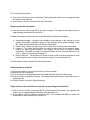
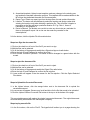
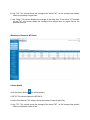
Steps to download an audio file:
MRM can download a particular audio file in two ways:
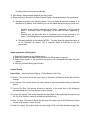
1. In the first column, click on the File ID. The hyperlink will redirect you to a page showing the
details of the file.
2. At the bottom, click the blue button. The hyperlink will again redirect you to a page showing
the details of the corresponding audio file.
3. At the bottom, click the Download this Audio File button.
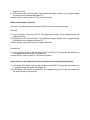
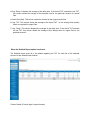
Or
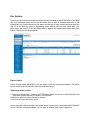
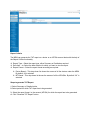
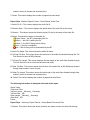
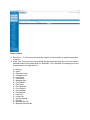
1. In the Audio File Column, click the green button or the file ID. The hyperlink will redirect you
to a page showing the details of the audio file.
2. At the bottom, click the Listen to This Audio File button.
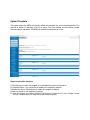
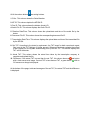
Steps to listen the audio file as well as view the corresponding transcribed file:
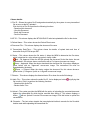
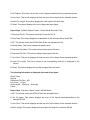
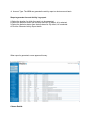
1. In the Audio File Column, click the green button or the file ID. The hyperlink will redirect you
to a page showing the details of the audio file.
2. At the bottom, click the Review Audio/Doc button. This enables you to review the transcribed
file while listening to its corresponding audio file.