1
Upload Template
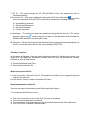
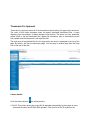
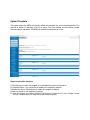
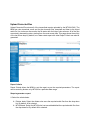
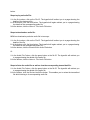
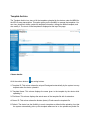
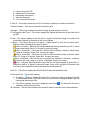
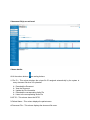
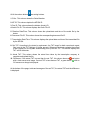
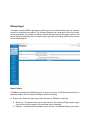
This option allows the MRM to manually upload the template files for the transcriptionists. The
process is similar to attaching a file to an email. The files dictated on the toll-free number
automatically get uploaded. The MRM can upload five templates at a time.
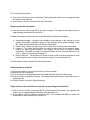
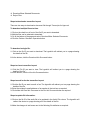
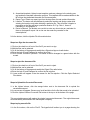
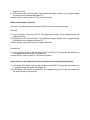
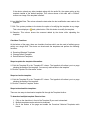
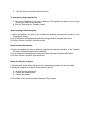
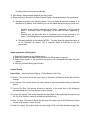
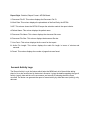
Steps to upload the template:
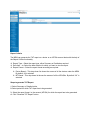
1. Click Browse to select the template to be uploaded from the local hard drive.
2. Template Name – Any name can be added to the template if desired.
3. Enable the Set as Default button to select the template as default.
4. Add any remark to the template if required.
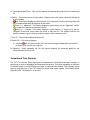
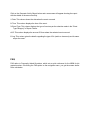
5. Click the Upload and Attach Selected File(s) button. Enable the Do Not Change Current
Default Template button to keep the current default template.