1
Operating Manual Sales Mode v3.0.0
8.4.4.6
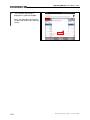
Delete marker
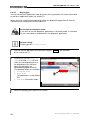
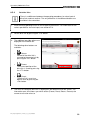
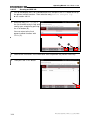
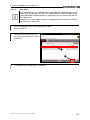
You can delete a set marker again if wished – including all marker copies in
other graphs. Do this as follows:
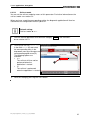
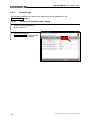
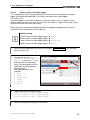
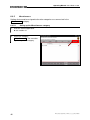
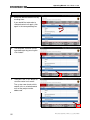
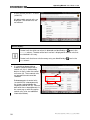
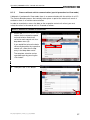
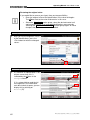
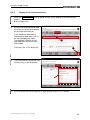
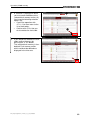
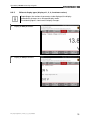
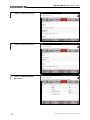
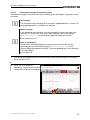
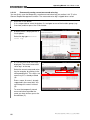
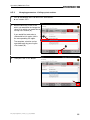
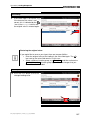
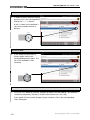
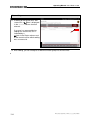
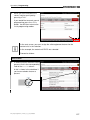
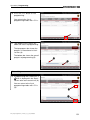
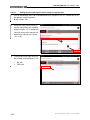
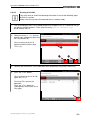
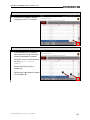
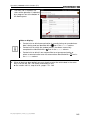
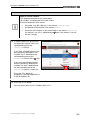
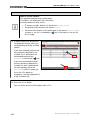
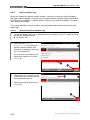
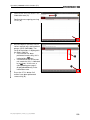
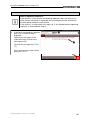
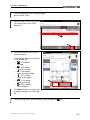
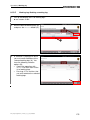
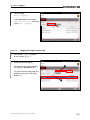
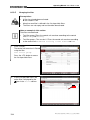
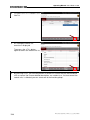
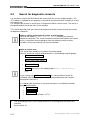
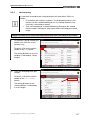
1. Call up the data logger and press the marker button:
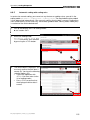
►see previous section 8.4.4.5
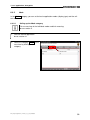
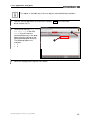
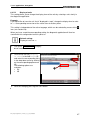
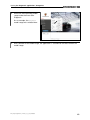
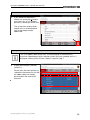
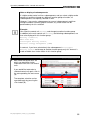
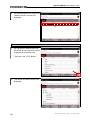
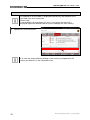
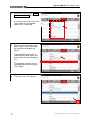
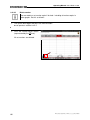
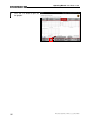
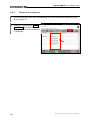
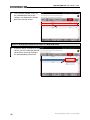
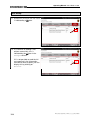
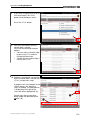
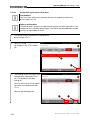
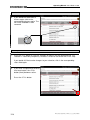
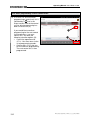
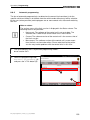
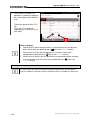
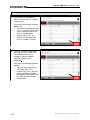
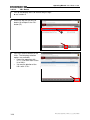
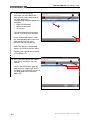
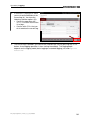
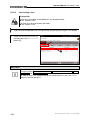
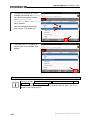
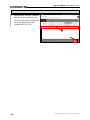
2. Press the “Delete marker” button
(represented by the
icon).
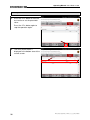
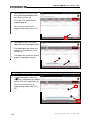
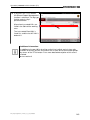
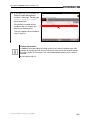
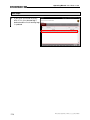
All set markers are deleted.
86
PAG_Diagnoseapplikation_V-Modus_v3_0_0_BD_D290608