1
6.3
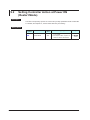
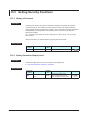
Setting Alarm Setpoint
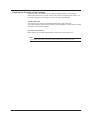
Setting Display
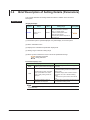
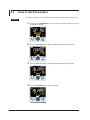
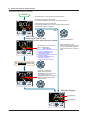
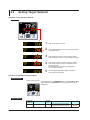
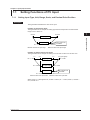
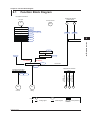
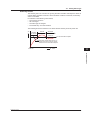
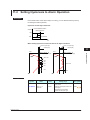
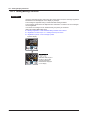
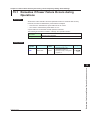
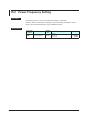
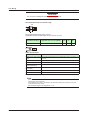
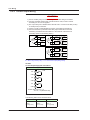
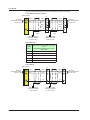
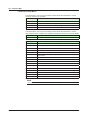
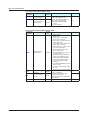
Parameter Setting Display Operation Display > PARAMETER key for 3 seconds (to [SP]
Menu Display) > SET/ENTER key (The setting parameter
is displayed.) > Down arrow key (The setting parameter is
displayed.)
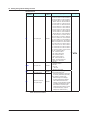
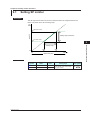
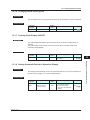
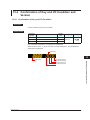
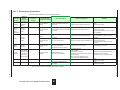
Setting Details
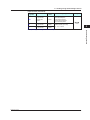
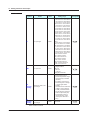
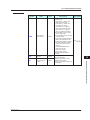
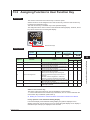
Parameter
symbol
A1 to A3
Name
Alarm-1 to -3
setpoint
Display
level
EASY
Setting range
Menu symbol
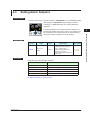
Set a display value of setpoint of
PV alarm, SP alarm, deviation
alarm, or velocity alarm.
-19999 to 30000 (Set a value
SP
within the input range.)
Decimal point position depends on
the input type
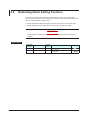
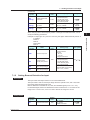
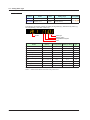
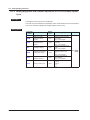
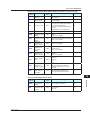
Description
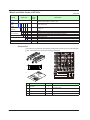
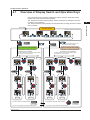
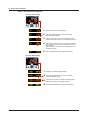
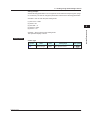
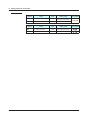
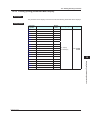
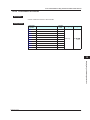
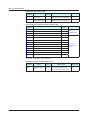
Each alarm type has three alarm setpoints.
Alarm-related parameter
Number of settings
Alarm type
3 (number of settings)
PV velocity alarm time setpoint
3 (number of settings)
Alarm hysteresis
3 (number of settings)
Alarm delay timer
3 (number of settings)
Alarm setpoint
3 (number of settings)
► Alarm type: Chapter 11 Alarm Functions
IM 05P04D41-01EN
6-5
6
Monitoring and Control of Regular Operations
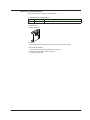
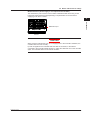
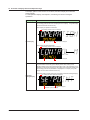
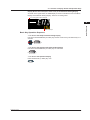
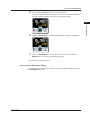
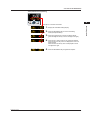
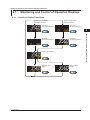
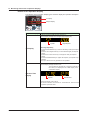
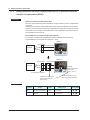
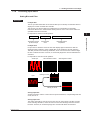
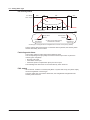
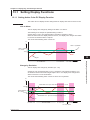
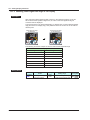
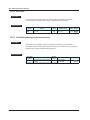
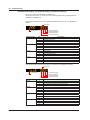
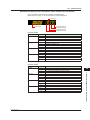
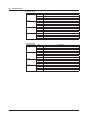
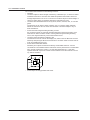
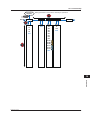
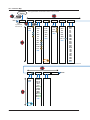
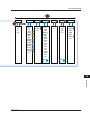
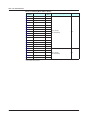
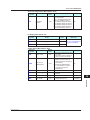
In the setting Display for the alarm parameters, Displays can
be arbitrarily switched using the Up, Down, Left or Right arrow
key. Pressing the Left or Right arrow key changes the group.
(The group number is displayed on Group display.)