1
13.3 Setting Security Functions
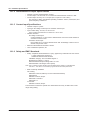
13.3.1 Setting a Password
Description
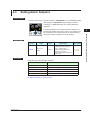
The password function can prevent inadvertent changes to the parameter settings.
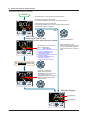
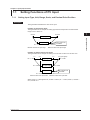
If a password is set, the checking is required when moving to the Setup Parameter
Setting Display. When the password is verified, can be changed to the Setup Parameter
Setting Display. The parameters in the following menus can be set only when the
password is verified.
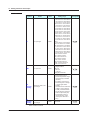
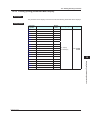
CTL, PV, MPV, OUT, R485, ETHR, KEY, DISP, KLOC, MLOC, DI.SL, I/O, SYS, INIT,
VER, and LVL.
Always remember your password when using the password function.
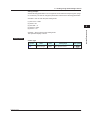
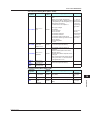
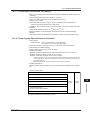
Setting Details
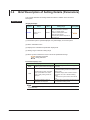
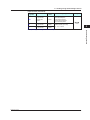
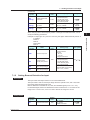
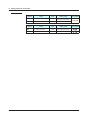
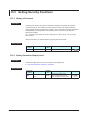
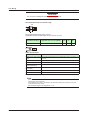
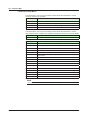
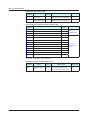
Parameter
symbol
PASS
Name
Password setting
Display
level
EASY
Setting range
0 (No password) to 65535
Menu symbol
SYS
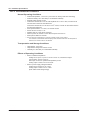
13.3.2 Setting Parameter Display Level
Description
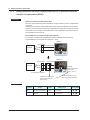
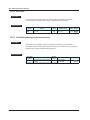
Parameter display level can be set according to the setting level.
► Parameter display level: Chapter 18 Parameters
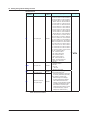
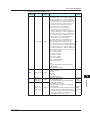
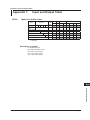
Setting Details
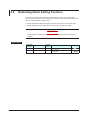
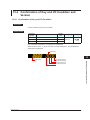
Parameter
symbol
LEVL
13-10
Name
Display
level
Parameter display
level
EASY
Setting range
EASY: Easy setting mode
STD: Standard setting mode
PRO: Professional setting mode
Menu symbol
LVL
IM 05P04D41-01EN