1
13.1 Setting Display Functions
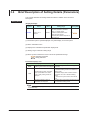
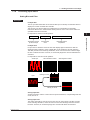
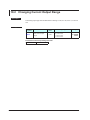
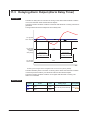
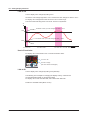
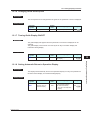
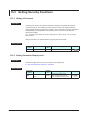
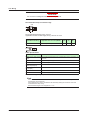
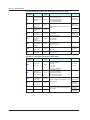
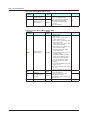
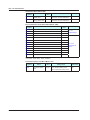
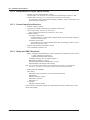
13.1.6 Changing Guide Scroll Speed
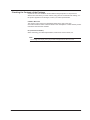
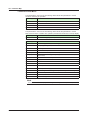
Description
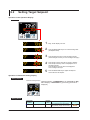
The scroll speed can be changed when the guide for the parameter or menu is displayed.
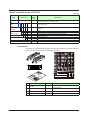
Setting Details
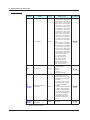
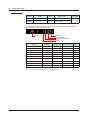
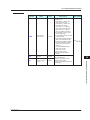
Parameter
symbol
SPD
Name
Scroll speed
Display
level
PRO
Setting range
(Slow) 1 to 8 (Quick)
Menu symbol
DISP
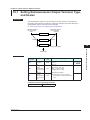
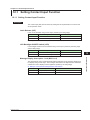
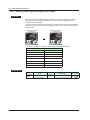
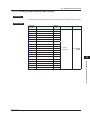
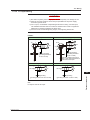
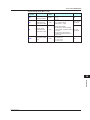
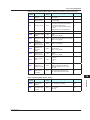
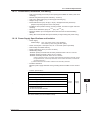
13.1.7 Turning Guide Display ON/OFF
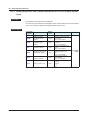
Description
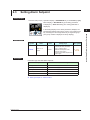
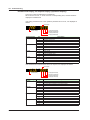
The guide display that appears when the parameter or the menu is displayed can be
switched.
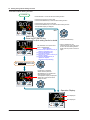
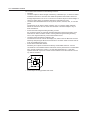
The guide display can be turned on and off by the Fn key in the Menu Display and
Parameter Setting Display.
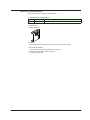
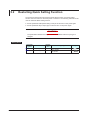
Setting Details
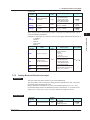
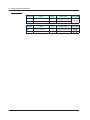
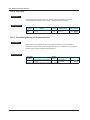
Parameter
symbol
GUID
Name
Display
level
Guide display ON/OFF
STD
Setting range
OFF: Nondisplay
ON: Display
Menu symbol
DISP
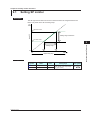
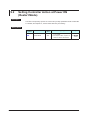
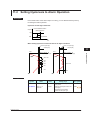
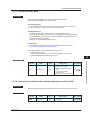
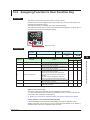
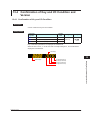
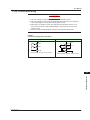
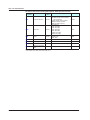
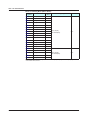
Description
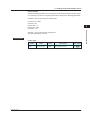
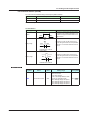
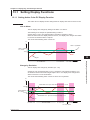
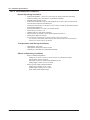
The Display will automatically revert to the Operation Display if no keys are pressed for 5
minutes in Menu Display or Parameter Setting Display.
Setting Details
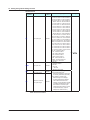
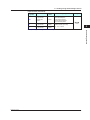
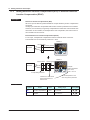
Parameter
symbol
OP.JP
IM 05P04D41-01EN
Name
Automatic return to
Operation Display
Display
level
PRO
Setting range
ON: Automatically returned to
the Operation Display.
OFF: Not automatically
returned to the Operation
Display.
Menu symbol
DISP
13-7
Display, Key, and Security Functions
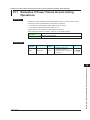
13.1.8 Setting Automatic Return to Operation Display
13