1
Cue Links
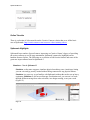
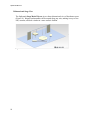
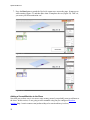
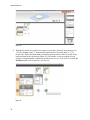
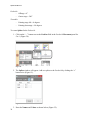
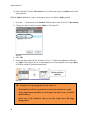
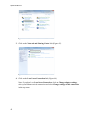
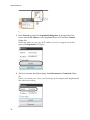
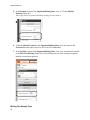
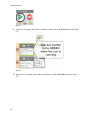
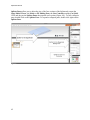
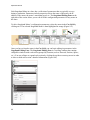
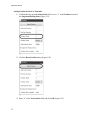
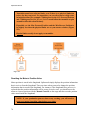
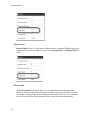
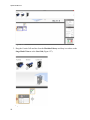
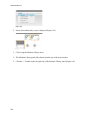
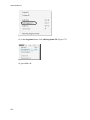
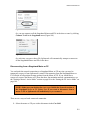
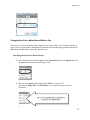
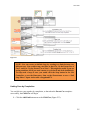
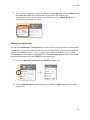
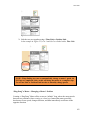
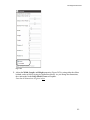
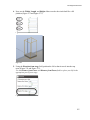
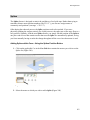
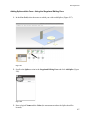
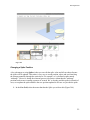
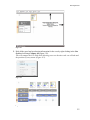
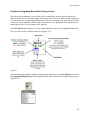
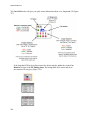
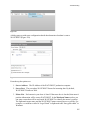
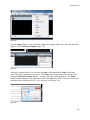
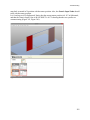
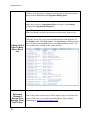
Figure 250
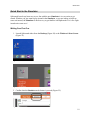
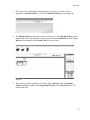
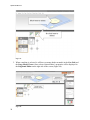
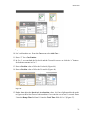
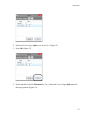
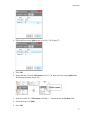
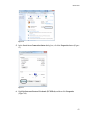
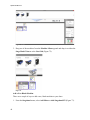
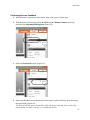
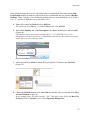
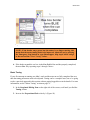
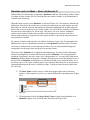
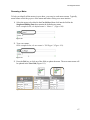
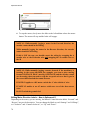
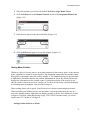
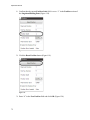
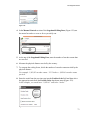
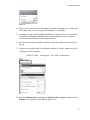
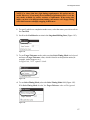
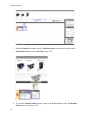
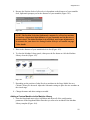
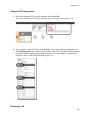
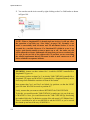
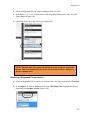
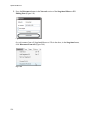
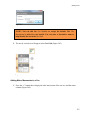
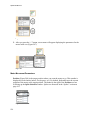
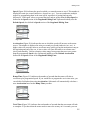
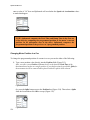
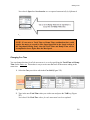
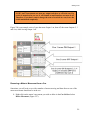
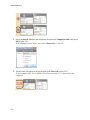
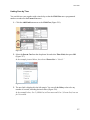
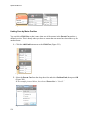
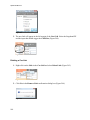
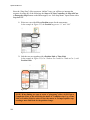
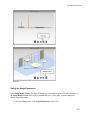
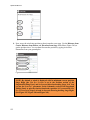
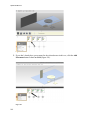
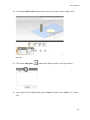
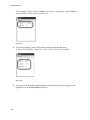
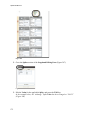
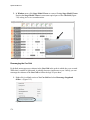
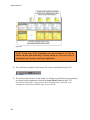
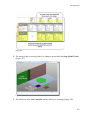
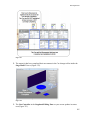
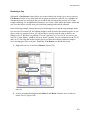
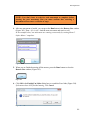
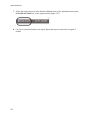
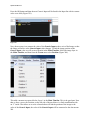
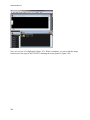
3. Link the two cues together using a Time Link or Position Link.
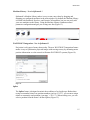
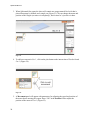
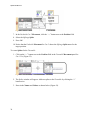
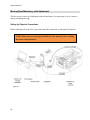
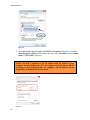
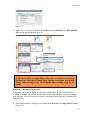
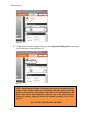
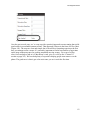
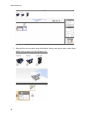
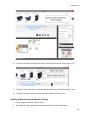
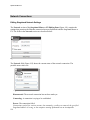
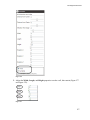
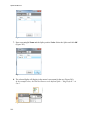
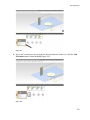
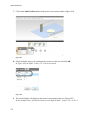
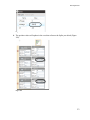
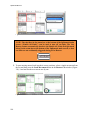
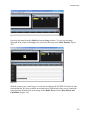
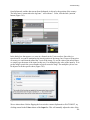
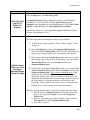
In the example in Figure 251, Cue 1 and Cue2 are linked with a Time Link.
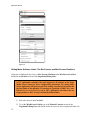
Figure 251
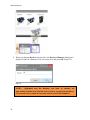
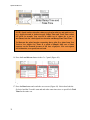
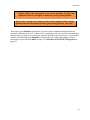
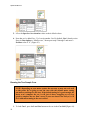
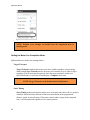
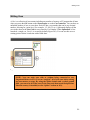
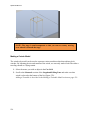
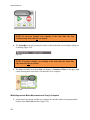
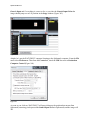
NOTE: When linking two cues to automatically change a motor’s speed, do
NOT use a Completion Link, as this will bring the motor to a complete stop.
Use a Time Link or Position Link in order to smoothly change speeds.
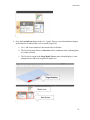
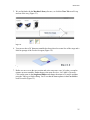
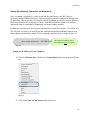
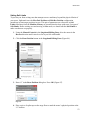
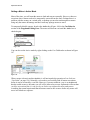
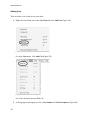
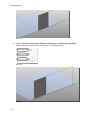
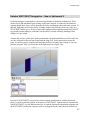
“Ping-Pong” a Motor—Changing a Motor’s Position
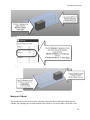
Creating a “Ping Pong” Motor effect creates an “infinite” loop, where the motor travels
between two positions without coming to a hard stop. Instead the motor gracefully
decelerates to zero-speed, changes direction, and then immediately accelerates in the
opposite direction.
143