1
4. MENUS
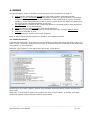
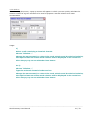
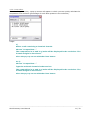
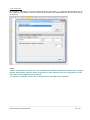
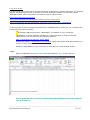
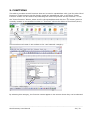
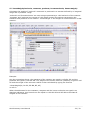
The Stoichiometry menu is divided in several groups (see the pictures on page 3):
1. Searching for molecules and formatting cells which contain chemical formulae;
2. a group of quick calculations (molecule weight, dilution of a given solution, percentage
composition of a given chemical and calculation of the coefficients of a given chemical
reaction). These calculations are made in a pop-up box where the data are typed in and
the result of the calculation appears in the box;
3. cell operations to extract all the composing atoms of a chemical and to draw pictures of
SMILES strings in the spreadsheet;
4. defining reactions and calculating with stored reactions;
5. a group of functions that enable you to work with your own chemical abbreviations;
6. settings for this add-in, and
7. some informative screens (short help function).
Each of these menus will be explained in detail in the following sections.
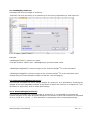
4.1. Molecule search.
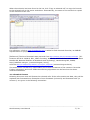
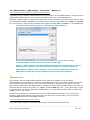
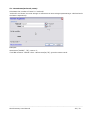
Formulae for molecules can be found in an included list of chemicals using this menu option. In
order to find a chemical, type part of the name or chemical formula in the search box and press
“Find name” or “Find formula”.
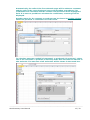
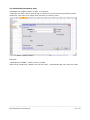
Example: type “pipera” in the search box and press <Find name>:
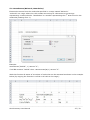
Searching for the name “pipera” gives a list of possible molecules which contain this string in
their name.
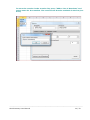
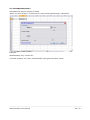
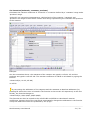
When part of a formula is typed in the search box and <Find formula> is clicked, a list with
molecules appears whose formula contains these atoms.
____________________________________________________________________________
Stoichiometry User Manual
6 / 32