1
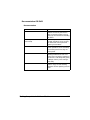
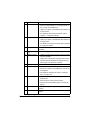
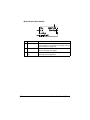
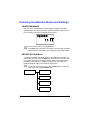
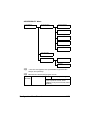
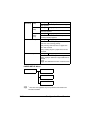
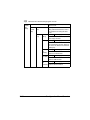
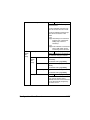
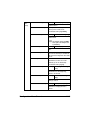
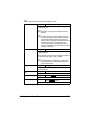
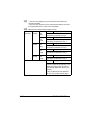
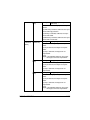
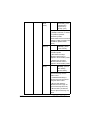
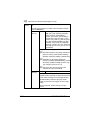
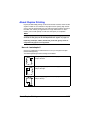
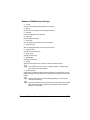
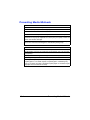
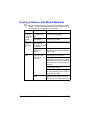
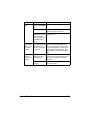
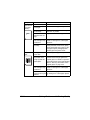
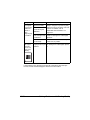
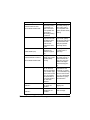
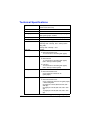
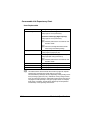
[PCL]
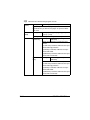
[CR/LF
MAPPING]
Settings
[CR=CR LF=LF] / [CR=CRLF
LF=LF] / [CR=CR LF=LFCR] /
[CR=CRLF LF=LFCR]
Select the definitions of the CR/LF codes
in the PCL language.
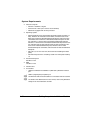
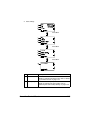
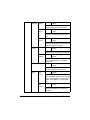
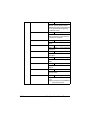
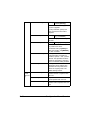
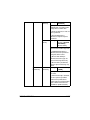
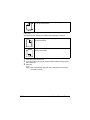
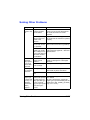
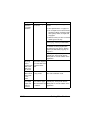
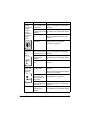
[LINES
PER
PAGE]
Settings
5-128 (Default: [60])
Specify the number of lines per page in
the PCL language.
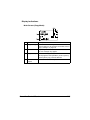
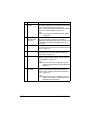
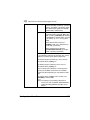
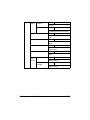
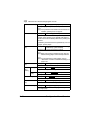
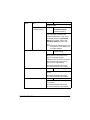
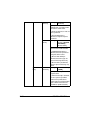
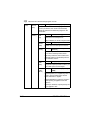
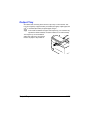
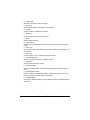
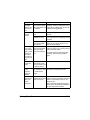
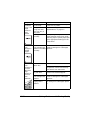
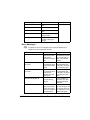
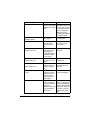
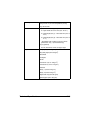
[FONT
[FONT
Settings 0-102 (Default: [0])
SOURCE] NUMBER] Specify the default font in the
PCL language.
The font numbers that appear
correspond to the PCL font
list. For details on printing the
font list, refer to “REPORT” on
page 2-17.
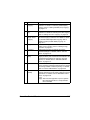
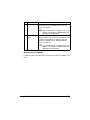
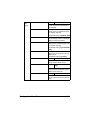
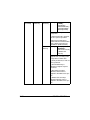
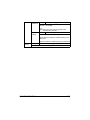
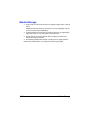
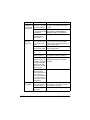
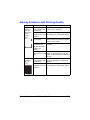
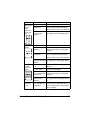
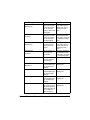
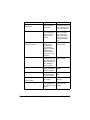
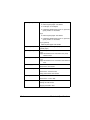
[PITCH
SIZE
(POINT
SIZE)]
Settings
0.44-99.99
(Default: [10.00])
(4.00-999.75
(Default: [12.00])
Specify the font size in the
PCL language.
If the selected [FONT NUMBER] is for a bitmap font,
[PITCH SIZE] appears. If the
selected [FONT NUMBER] is
for an outline font, [POINT
SIZE] appears.
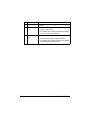
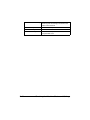
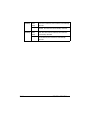
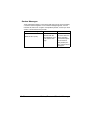
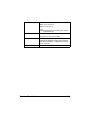
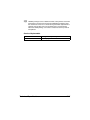
[SYMBOL Specify the symbol set used
SET]
with the PCL language.
The default setting is [PC8].
PS/PCL PRINT Menu
2-81