1
Watch Live Television
With your television and receiver (set top box) turned on, use the number (0-9) buttons to tune
directly to a channel. Press ENTER or SELECT to go directly to the channel. Otherwise, the
desired channel will tune in a second or two.
Change Channels
Tune to different channels by pressing the CHANNEL UP or CHANNEL DOWN button. You can
also tune to different channels using the number (0-9) buttons.
View Basic Program Information
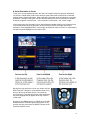
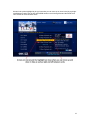
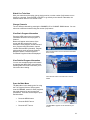
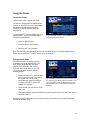
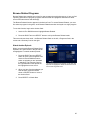
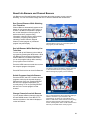
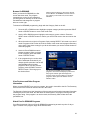
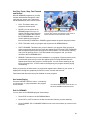
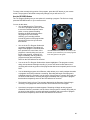
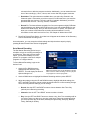
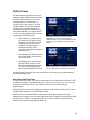
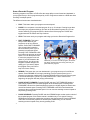
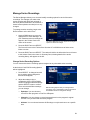
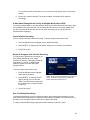
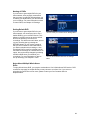
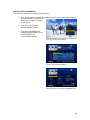
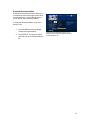
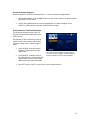
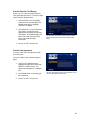
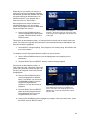
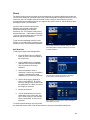
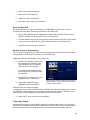
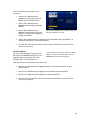
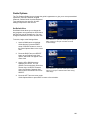
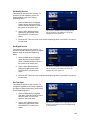
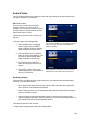
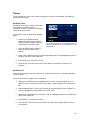
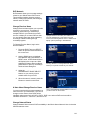
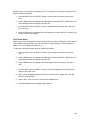
Press the INFO button once to see basic
information about the current program. A
Channel
Banner will appear at the bottom of the
screen with the program title, a brief
description of the program, its start and end
time, program rating information, channel
number and time/date information. Program
guide symbols such as Favorite Channel,
Skipped Channel, Locked Program or
Purchased Program will also be displayed.
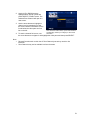
Press the Info button once to see basic information
about a show.
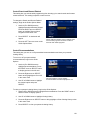
View Detailed Program Information
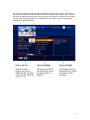
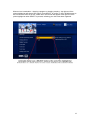
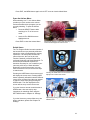
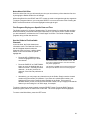
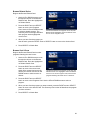
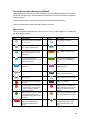
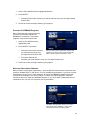
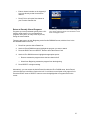
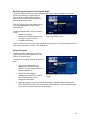
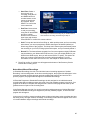
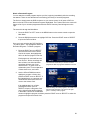
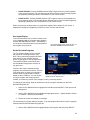
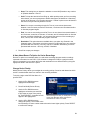
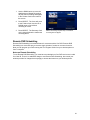
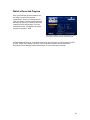
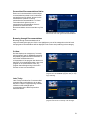
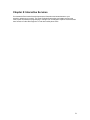
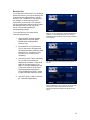
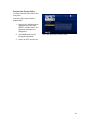
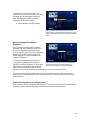
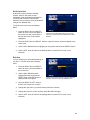
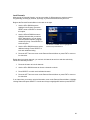
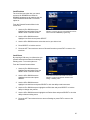
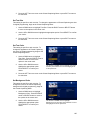
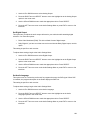
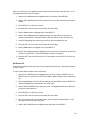
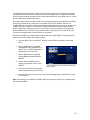
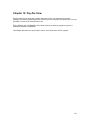
You can see extended program information
by pressing the INFO button a second time.
Pressing INFO a third time will return you to
full-screen video viewing.
Press the Info button a second time to see full
details.
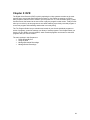
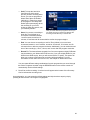
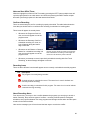
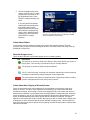
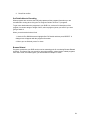
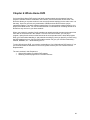
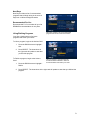
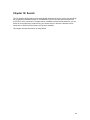
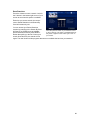
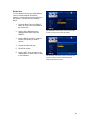
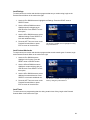
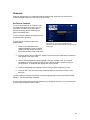
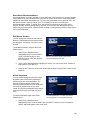
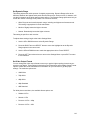
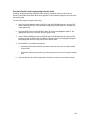
Open the Main Menu
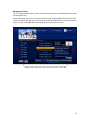
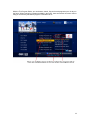
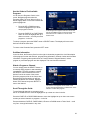
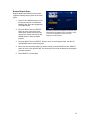
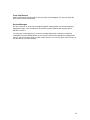
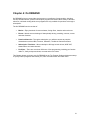
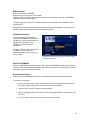
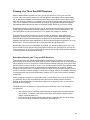
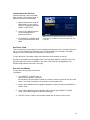
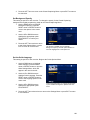
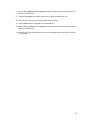
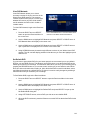
The Main Menu is the starting point for using
the Trio Program Guide to find programs,
view On DEMAND, search for other programs
that might interest you and set personal
preferences. There are several ways to open
the Main Menu:
•
Press the MENU button
•
Press the RIGHT arrow.
•
Press the LEFT arrow.
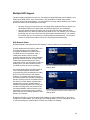
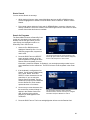
The Main Menu appears on the left side of your
screen
18