1
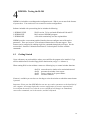
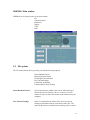
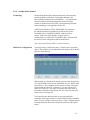
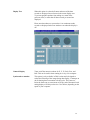
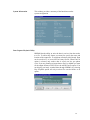
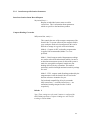
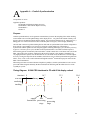
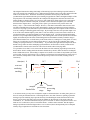
ISDEMO: Main window
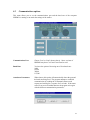
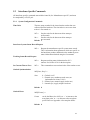
ISDEMO has six primary menus in its main window:
File
Communications
Parameters
Display
Tools
Help
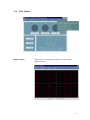
4.2 File options
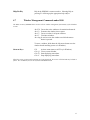
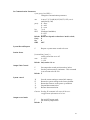
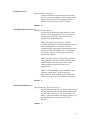
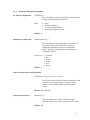
The File menu (shown above) provides you with the following options:
Select Hardware Device
Boresight Current Station
Unboresight Current Station
Save Current Settings
Load Power-up Settings
Load and Save Factory Settings
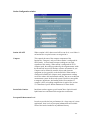
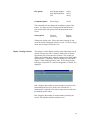
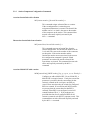
Select Hardware Device
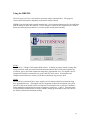
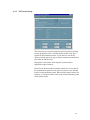
System Initialization window (also seen at initial start-up) is
shown when Select Hardware Device is selected. Use this
window to select or detect the tracker model connected to your
computer.
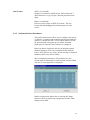
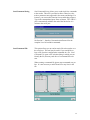
Save Current Settings
Sends ^K command to the tracker. This saves the current
settings to nonvolatile memory in the tracker base unit. The
next time the tracker is turned on these settings will be restored.
21