1
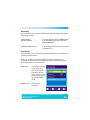
Move
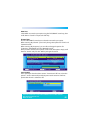
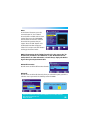
In the channel list menu, press the
numeric button "4", the selected
channel will be marked with an arrow
symbol Then press the "UP/DOWN"
arrow buttons to move the selected
channel to the position that you
require. Press the "OK" button and a
confirmation window will appear.
Select "Yes" and press the "OK" button
to change the channel order.
NOTE: The operation of the "Radio Channel List" is the same as the "TV
Channel List", but there is one difference : In the "Radio Channel List"
mode, there is no video information, so it will always display the Radio's
logo in the right side preview window.
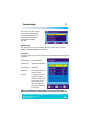
Delete All Favourites
Use this menu to delete all favourite channels.
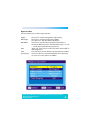
Delete All
Use this menu to delete all channels, when you select this option you will be
asked to enter a password. The default password is 0000.
Helpline No. UK/Northern Ireland 01270 508538 Rep.Ireland 1800 995 036
Web Support www.quesh.co.uk
Model No: 44176
18