1
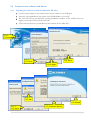
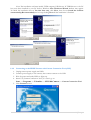
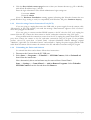
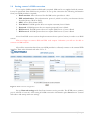
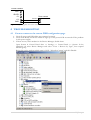
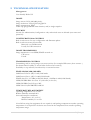
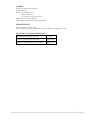
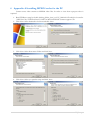
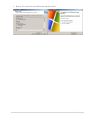
Note: The installation software installs FTDI company USB drivers. If FTDI drivers to the PC
has never been installed to your PC before, Windows New Hardware Wizard window may appear.
To finish the installation choose Yes this time only, click Next, then choose Install the software
automatically (Recommended) and to keep clicking Next till the installation is finished.
1.4.2
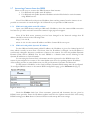
Connecting to the EDGE Camera with Camera Connection Tool (CCT)
1.
2.
3.
4.
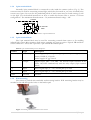
Unplug camera power supply and USB.
Connect power supply to the camera, then connect camera to the USB.
Wait for power and ready LEDs to lights up.
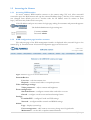
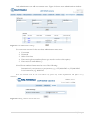
Start CCT (Camera Connection Tool). To start it go to:
Start => Programs => Teltonika => MVC100 Camera => Camera Connection Tool
5. Click Connect button.
11 | P a g e