1
8. IQRecorder
8.1. Overview
IQeye cameras include IQRecorder software, for archiving and replaying sequences of images recorded over
time. The images can be viewed in forward or reverse order, paused, and advanced by trigger event or time of
day. Images can be saved regularly at a pre-set interval (“timelapse”), or in response to events (motion or
external trigger), or both. The image quality settings differ for the two groups - event-based images could be
saved in higher resolution, while periodic images are saved at a lower resolution for space savings.
Note:
The IQeye6 supports only one resolution for both event and periodic images.
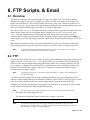
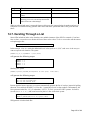
IQRecorder consists of two parts - the camera software saves images and index information to an external
FTP server (or an internal storage device for the IQeye3W), and an on-camera Java applet allows viewing and
searching the image sequences. Running the user interface as an applet (on the user’s desktop) frees the
camera from having to be an intermediary for image viewing - the applet interacts directly with the FTP
server, while the camera continues recording and/or serving images normally.
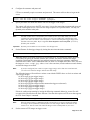
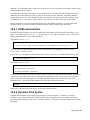
The camera is assigned a root directory on the FTP server, under which it stores all necessary directories,
image files, and index information. A disk quota can be configured, so the camera does not fill too much of
the FTP server’s disk space. The camera can be configured to either overwrite images, or halt when it runs
out of space or reaches its quota on the FTP server. In the first case, oldest images are overwritten first. In
the second case, email messages are sent as disk usage nears and reaches the quota. Image storage is halted at
the quota, and the camera will then check once each minute for free disk space. Image storage will
automatically restart when it there is available space. To free disk space, the user must manually remove
images from the FTP server.
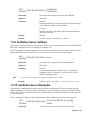
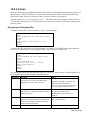
We recommend that you configure IQRecorder with the configuration web pages, rather than the command
line. The command listings below are included for completeness. Note that IQRecorder requires
configuration of other camera features, notably FTP and email sites, motion detection windows, and pre- and
post-trigger settings. Please see the appropriate sections of this manual for information on those features.
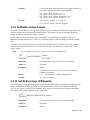
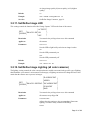
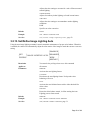
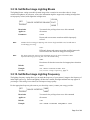
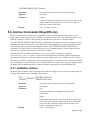
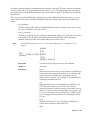
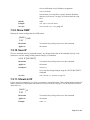
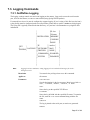
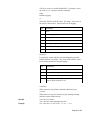
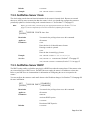
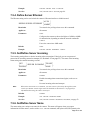
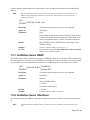
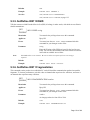
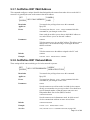
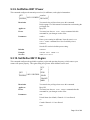
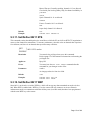
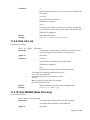
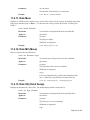
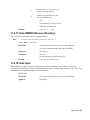
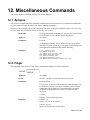
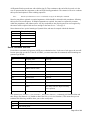
There are 3 groups of commands that control IQRecorder operation:
•
FTP server control - disk path, space limits, and behavior at the disk quota limit.
•
Image capture - periodic and/or trigger-based saves, and image quality.
•
Miscellaneous - enable/disable, cleaning the FTP archive, and restoring factory defaults.
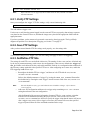
An FTP site must be configured for IQRecorder to operate; an email site (and email notification of disk space
limitations) is optional, but strongly recommended.
Page 102 of 190