1
NetPod User Manual Version 1.10 Copyright Keynes Controls 2005 - 2006
Page 100
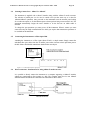
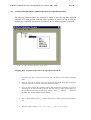
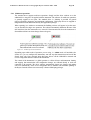
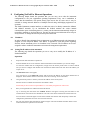
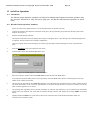
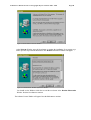
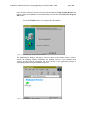
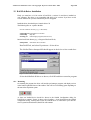
Once all of the software has been stored onto the hard disk the Setup Confirm Window will
appear. For the first installation we recommend that you select the Yes Launch The Program
File tick box.
Press the Finish button to complete the installation
Figure 70 Install Shield - Setup Complete Window
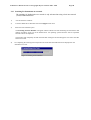
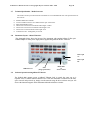
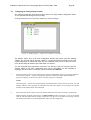
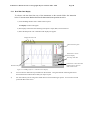
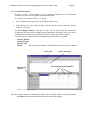
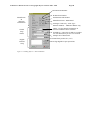
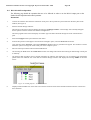
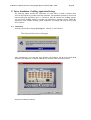
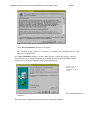
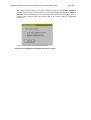
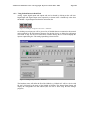
The NetPod Driver Window will appear. The icon shown in the Window below is used to
activate the PodMng software. Remember the PodMng software is the standard driver
software provided with the instrument. The driver interface to the applications packages is
automatically loaded during the installation sequence.
Figure 71 Install Shield - Driver Window