1
Printing Reports
Section 12-2
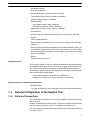
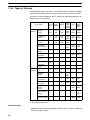
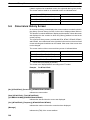
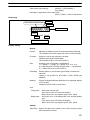
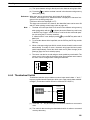
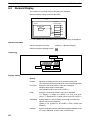
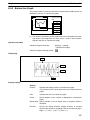
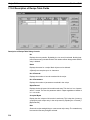
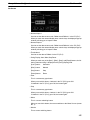
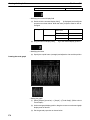
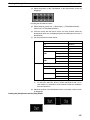
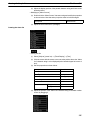
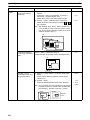
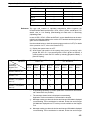
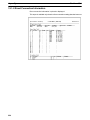
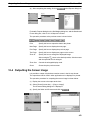
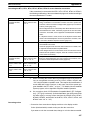
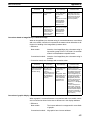
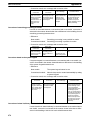
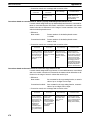
12-1-11 Recipe Report
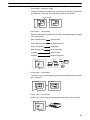
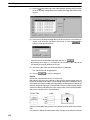
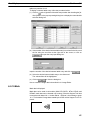
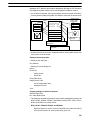
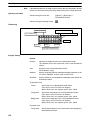
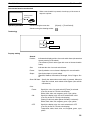
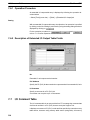
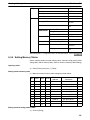
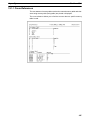
The setting of Recipe table is printed or displayed.
12-2 Printing Reports
This section describes the procedure for printing reports (screen data, memory
table use status, etc.) using a printer.
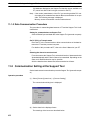
12-2-1 Printer Setting
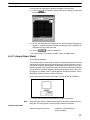
To print a report using a printer, it is necessary to set the type of printer and print
mode.
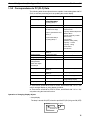
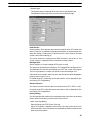
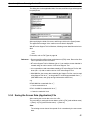
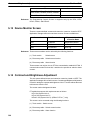
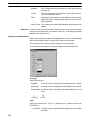
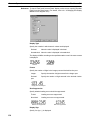
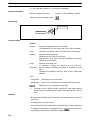
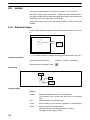
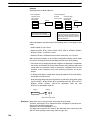
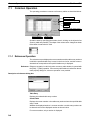
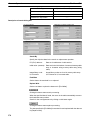
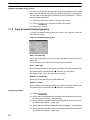
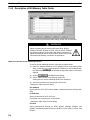
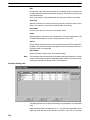
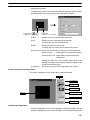
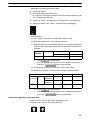
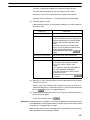
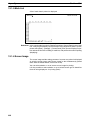
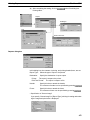
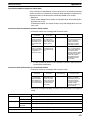
To set the printer information, display the Print Setup property by selecting [File]
(menu bar) → [Print Setup].
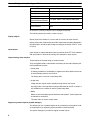
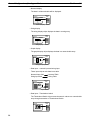
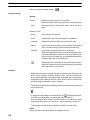
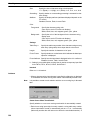
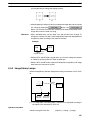
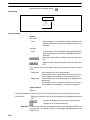
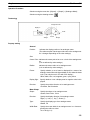
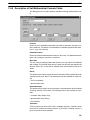
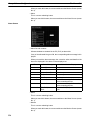
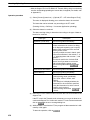
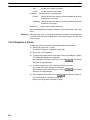
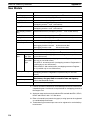
Printer:
Set the information of the printer you are going to use.
Name:
Specify the printer by selecting the printer name from the list of
registered printer names.
Status:
Displays the status of the selected printer, and the number of
files in the queue.
Type:
Displays the name of the driver that is set for the selected
printer.
Where:
Displays the name of the port that is set for the selected printer.
Comment:
Displays the comment that is set for the selected printer.
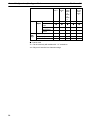
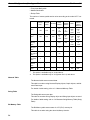
Paper:
Set the paper size and the paper tray.
451