1
Operations for Playback Mode
The Playback Mode is for viewing and managing videos and photos on the built-in memory or on an
SD Card.
Operation
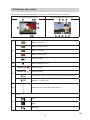
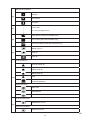
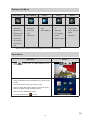
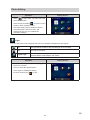
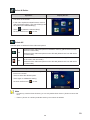
Display Screen
1. In Record Mode, press [Playback Button] or
touch
to switch to the Playback Mode.
2. Touch
Touch
3. Touch
section3.)
to go to the previous video/photo;
to go to the next video/photo.
to open the menu. (Please refer to
4. Touch
to open the thumbnail screen of
videos and photos.
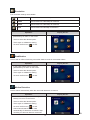
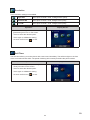
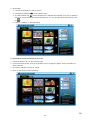
5. In the thumbnail screen of videos and photos,
select the file(s) you want to play, and then
touch
to confirm. (The check mark(s) will
be shown on the selected file(s).)
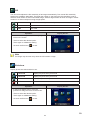
6. Or touch
to exit.
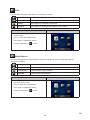
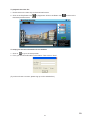
7. Touch
to play the selected files.
(Video:full length. Photo:2 seconds.)
32
EN