1
Section 8
Uploading Files to Internet
The built-in CAMILEO UPLOADER application offers you an easy way to upload your files to the
social websites instantly. It helps you share them with your family and friends on the web sites. Also,
the bundled software, ArcSoft MediaImpression, can be used to upload your files to the web sites.
CAMILEO UPLOADER
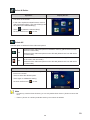
To upload files marked with
to Internet:
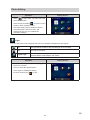
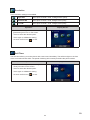
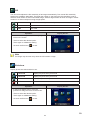
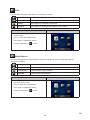
1. Select the files in the Playback Mode by pressing [Internet Button]
.
2. Connect the camera to your computer by using the supplied USB cable.
3. Press [Internet Button]
on the camera to launch the CAMILEO UPLOADER application
automatically. (To view the recorded clips on CAMILEO UPLOADER, it is necessary to install
ArcSoft MediaImpression first.)
Note
Some social websites may not be allowed to access in certain regions.
39
EN