1
1
[ Team LiB ]
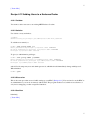
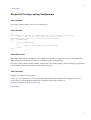
Recipe 8.2 Encrypted Mail with vim
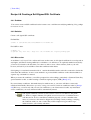
8.2.1 Problem
You want to compose an encrypted mail message, and your mail editor is vim.
8.2.2 Solution
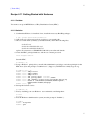
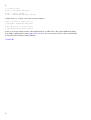
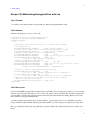
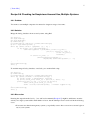
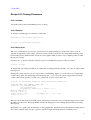
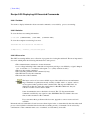
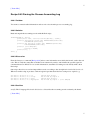
~/.vimrc:
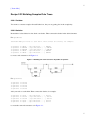
map ^E :1,$!gpg --armor --encrypt 2>/dev/null^M^L
map ^G :1,$!gpg --armor --encrypt --sign 2>/dev/null^M^L
map ^Y :1,$!gpg --clearsign 2>/dev/null^M^L
The ^X symbols are actual control characters inserted into the file, not a caret
followed by a letter. In vim, this is accomplished by pressing ctrl-V followed by
the desired key, for example, ctrl-V ctrl-E to insert a ctrl-E.
8.2.3 Discussion
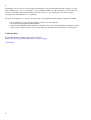
These macros filter the entire edit buffer (1,$) through gpg. The first macro merely encrypts the buffer, the
second encrypts and signs, and the third only signs. You'll be prompted for your passphrase for any signing.
8.2.4 See Also
gpg(1), vim(1). Credit goes to Rick van Rein for this tip: http://rick.vanrein.org/linux/tricks/elmPGP.html.
[ Team LiB ]
1