1
2
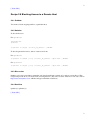
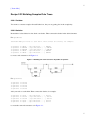
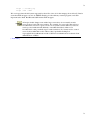
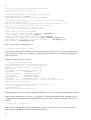
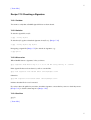
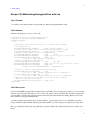
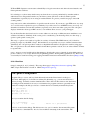
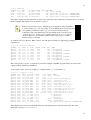
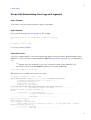
You may select a different principal to use with the -n option, e.g.:
$ ksu -n [email protected] ...
but let's suppose your selected principal is [email protected].
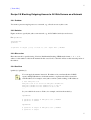
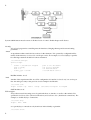
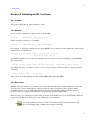
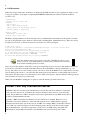
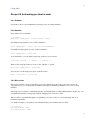
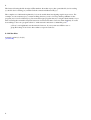
First, ksu authenticates you as [email protected]; specifically, if this host is bar.foo.org, you need a service
ticket granted to that principal for host/[email protected]. ksu first attempts to acquire this ticket
automatically. If you don't have exactly that ticket, but you do have valid Kerberos credentials for this
principal that is, you have previously done a kinit and acquired a ticket-granting ticket (TGT) then ksu
simply uses it to obtain the required ticket. Failing that, ksu may prompt you for [email protected]'s password.
Note two things, however: first, be careful not to type the password over an insecure link (e.g., an unencrypted
Telnet session). Second, ksu may be compiled with an option to forbid password authentication, in which case
you must have previously acquired appropriate credentials, or the ksu attempt will fail.
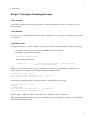
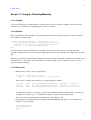
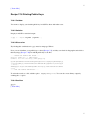
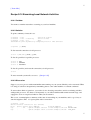
5.20.3.2 Authorization
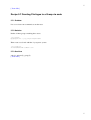
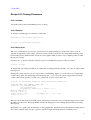
Having authenticated you via Kerberos as [email protected], ksu now verifies that this principal is authorized
to access the target account, given as the argument to ksu (e.g., ksu barney; the default is the root account).
Authorization can happen one of two ways:
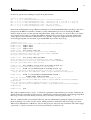
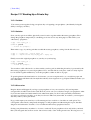
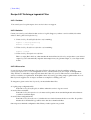
1. User barney has allowed you access to his account by editing his Kerberos authorization files. The
two authorization files are ~barney/.k5login and ~barney/.k5users. The first contains simply a list of
principals allowed to access the account; the second contains the same, but may also restrict which
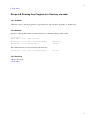
commands may be executed by each authorized principal. So, to allow Fred to access his account via
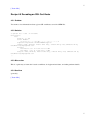
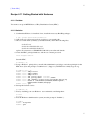
ksu, Barney would create ~/.k5login containing the single line:
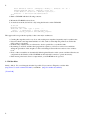
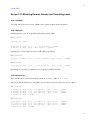
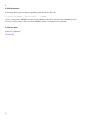
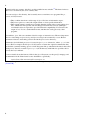
~/.k5login:
[email protected]
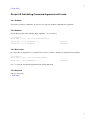
To allow Fred access only to run ~/bin/myprogram, Barney could instead place this line in ~/.k5users:
~/.k5users:
[email protected] /home/barney/bin/myprogram
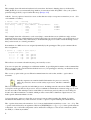
2. Your Kerberos principal and the target account match according to the local Kerberos
lname->aname rules. Normally, this is the simple correspondence of account barney and principal
[email protected]. This doesn't usually happen, since normally you would be accessing a different
account than your own, and have Kerberos credentials for the principal corresponding to your
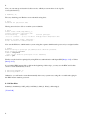
account, not the target. However, you could arrange for this by first running kinit barney, if you
happen to know the password for [email protected].
Some additional notes:
• If either authorization file for an account exists, then it must specify all principals allowed
access including the one corresponding to that account and otherwise allowed access by default. This
means that if you create a ~/.k5login file to allow your friend access, you will likely want to list your
own principal there as well, or you cannot ksu to your own account.
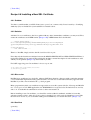
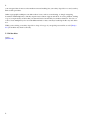
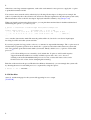
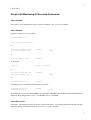
• By default, the Kerberos credentials cache for the created process, under the target uid, will contain
not only the ticket(s) authorizing the session, but also valid tickets from the original user as well. If
you want to avoid this, use the -z or -Z options.
2