1
Infant Virtual I.V.
Directions for Use
Quick Start User Guide
QUICK START GUIDE
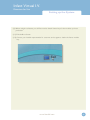
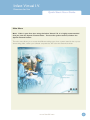
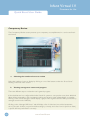
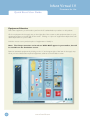
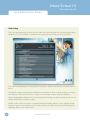
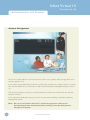
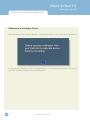
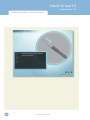
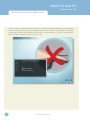
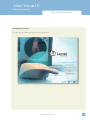
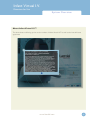
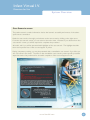
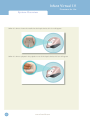
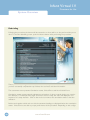
Turn on the computer. To start the application, click on the Infant Virtual I.V. section of the boot
screen.:
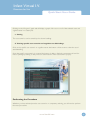
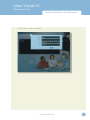
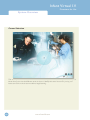
Logging In
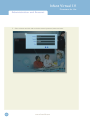
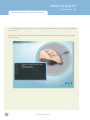
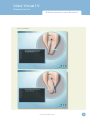
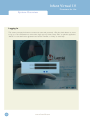
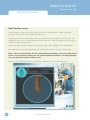
Once started, log onto the application with one of two default users:
Username:
Password:
demouser1
password
Username:
Password:
demouser2
password
Login as Administrator to access Instructor features and create accounts:
Username: Administrator
Password: <Provided on the information sheet inside your desktop computer, or by Laerdal
Technical Service at 1 (800) 431-1055 EXT. 5596. This password will always work, even if you change
the Administrator password.>
Read further instructions to learn how to create new user accounts.
Help
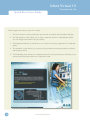
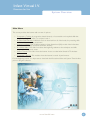
Three types of help are provided throughout the product to familiarize you with the system and assist
you in the learning process. These include:
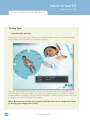
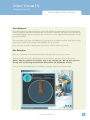
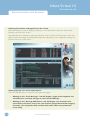
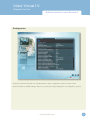
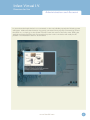
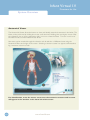
Tool-Tips or Hold-Over text
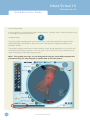
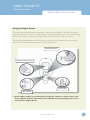
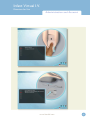
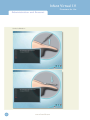
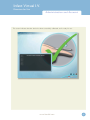
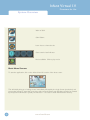
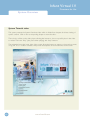
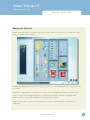
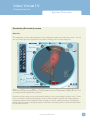
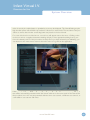
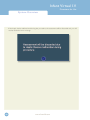
Tool-tips or Hold-Over text are provided on almost all of the interactive (and even some of the noninteractive) items on the screens. Hold the mouse cursor still on a particular button or icon on the
screen and you will see a brief pop-up description or explanation.
www.laerdal.com
29