1
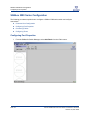
SANbox2-64 Configuration
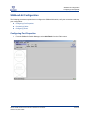
Configuring Port Properties
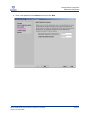
3.
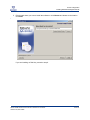
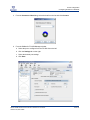
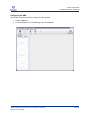
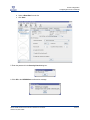
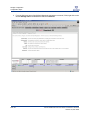
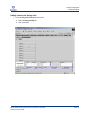
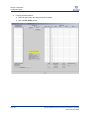
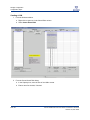
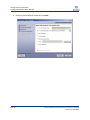
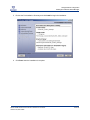
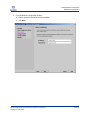
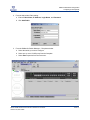
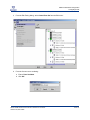
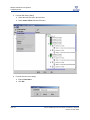
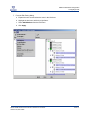
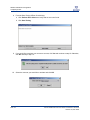
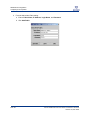
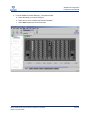
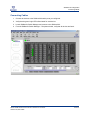
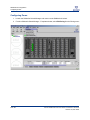
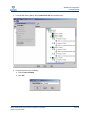
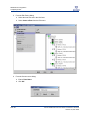
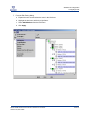
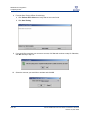
From the SANsurfer Switch Manager – Faceplate window:
a. Select the switch you want to configure.
b. Select one or more 1/2/4Gb ports from the faceplate.
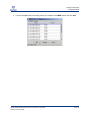
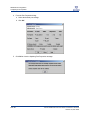
c. Select Port Properties from the Port menu.
QLOGIC SAN CONFIGURATION GUIDE FOR XIOTECH STORAGE
VERSION 3.0, MAY 2005
PAGE 85