1
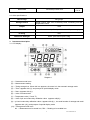
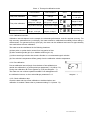
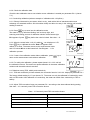
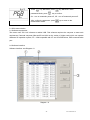
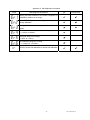
(11) — Temperature value(appears with (7)), and prompts of special display mode
(12) — Temperature compensation icons
ATC — automatic temperature compensation, MTC — manual temperature compensation
(13) — Calibration guide icon
(14) — USB icon,when this icon appears, the meter connects the computer
(15) — Stability icon of readings
(16) —Low battery icon, when this icon appears, please renew the battery
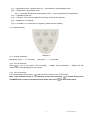
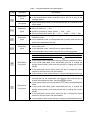
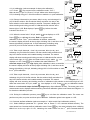
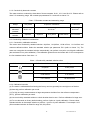
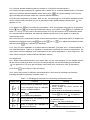
3.2. Keypad functions
Diagram-2
3.2.1. Keypad operations
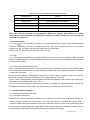
Momentary press ----- <1.5 seconds , Long press ----- >1.5 seconds.
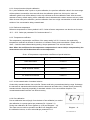
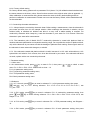
3.2.2. Turn on the meter
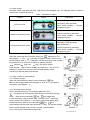
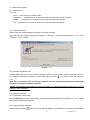
Press
to turn on the meter: LCD full display → display some parameters → display the last
measurement mode (backlight for one minute).
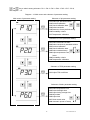
3.2.3. Turn off the meter
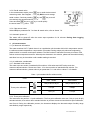
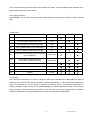
In the measurement mode, press
and hold for 2 seconds to turn off the meter.
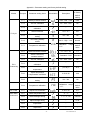
Note: In the calibration mode or the parameter set-up mode, pressing
is invalid. Please press
CAL/MEAS key to return to the measurement mode, then press
to turn off the meter.
4
PC70 Version1.4