1
C-Scape Manual
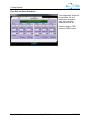
Heading Sensor Weighting
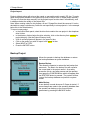
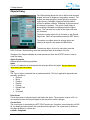
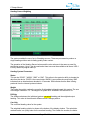
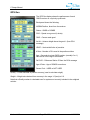
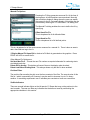
The system enables the use of up to 5 heading sources. These are processed to produce a
single heading solution and a heading quality index number.
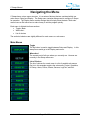
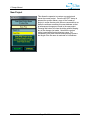
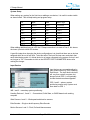
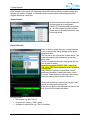
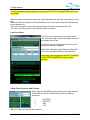
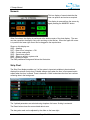
The operation of the Heading Sensor buttons and the color scheme is the same as used for
positioning sources. Up to 5 can be used and at least one must be available at all times. HDG 1
is on by default at program start-up.
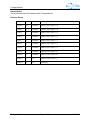
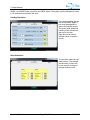
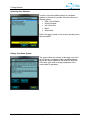
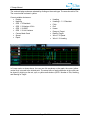
Heading System Parameters
Status
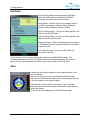
This can be “GOOD”, “WARN”, “BAD” or “SIM”. This refers to the system’s ability to decode the
data from the device. GOOD is the normal state, WARN, is an occasional corrupt string, BAD
indicates that no data has been decoded in 15 seconds. SIM indicates that the data is being
produced from the internal system simulator.
Weight
The higher the weight number the more the final heading is biased toward this system. The sum
of all weight numbers is 1.0. The weight of a system NOT included in the solution is 0.0.
Diff Hdg
The difference between the individual systems corrected heading and the weighted output
heading. This value is the arithmetic difference and is always positive.
Corr Hdg
The corrected heading value for the system.
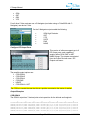
The weighted heading solution is shown at the bottom of the display window. The calculation
method results in a quality index for the resultant heading. The smaller the number, the better
Version 1.10
Page 55 of 86
11/26/2012