1
User manual
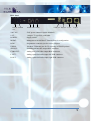
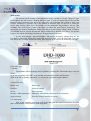
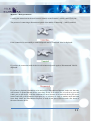
The equipment could be started by turning the power switch ON, located beside power
connector. After the turn on, the POWER LED starts to light in case of faultless function. After
the start the decoder writes to the LCD the following label: ‘
Teletechnika Ltd.
‘,
‘
DHD-1000 MPEG4 HD DECODER
‘. The BUSY LED indicates the boot process.
This takes 2-3 seconds. Then, the previously described information displayed on the display.
Settings
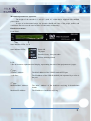
The settings of the equipment only could be done via the MGMT connector. If there is
only a cable between the equipment end the computer it must be a crosslink type, otherwise e.g.
with a switch or router, the type of the used cable is not important.
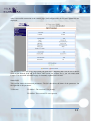
To operate and reach the Decoder with our PC it has to be set into the same IP address
range as the equipment. The IP address of the equipment is on the 4th page of LCD. The factory
IP address is ‘192.168.1.151’ with ‘255.255.255.0’ subnet mask.
6