1
This document is the property of FABRICOM SYSTEMES D'ASSEMBLAGE and may not
be reproduced or disclosed without their authorisation
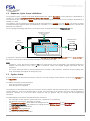
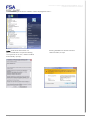
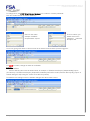
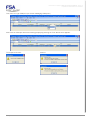
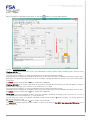
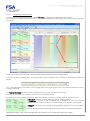
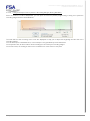
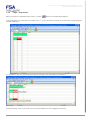
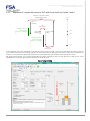
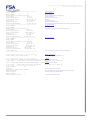
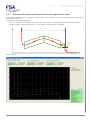
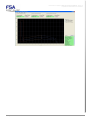
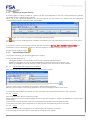
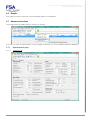
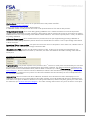
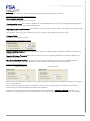
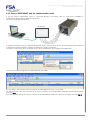
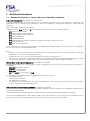
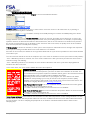
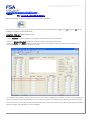
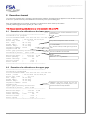
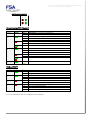
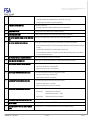
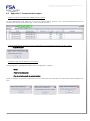
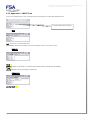
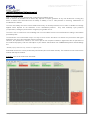
To change these, the FIRST thing that must be done is to create the "Creator" password:
Click the "Creator" button for station "Station_1".
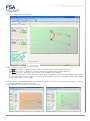
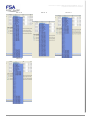
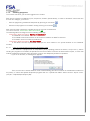
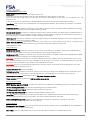
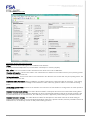
Select a user name:
example: "EXPERT"
and password: "expert"
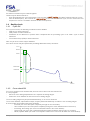
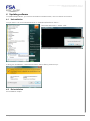
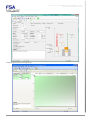
Then to confirm, you
double click on the
password confirmed
and press OK.
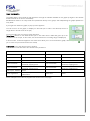
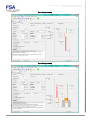
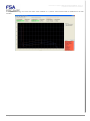
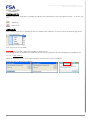
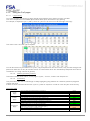
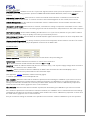
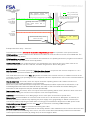
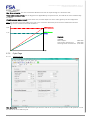
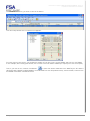
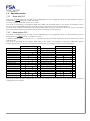
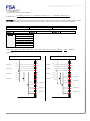
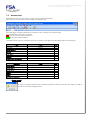
The red "4" goes green and the column in front of the station name shows the person logged in:
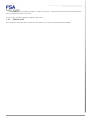
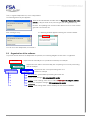
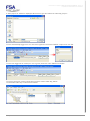
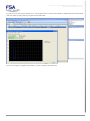
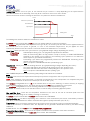
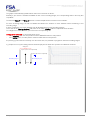
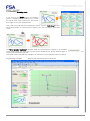
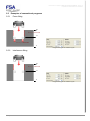
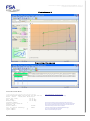
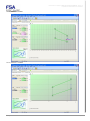
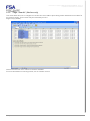
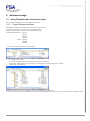
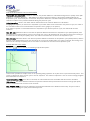
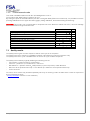
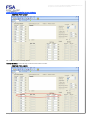
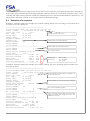
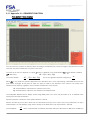
You NOW (not later!) change the name of the Station:
Example:
- "MY_STATION"
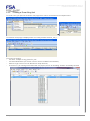
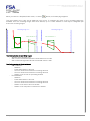
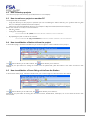
- then the directory where the file will be saved, for example "C:\FSA\Presses\Projets_Rhapsodie\My_Project"
(The directory C:\FSA\Presses\Projets_Rhapsodie\ will already have been created, and the directory "My_Project" is
created during this step using the "Create a new directory" button)
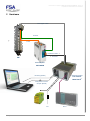
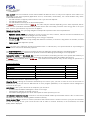
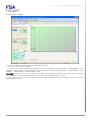
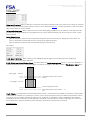
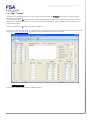
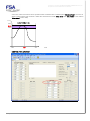
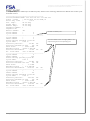
The diskette icon changes colour to indicate changes have been made. Click it.
Rhapsodie.net – User Guide
2013-09
19/130