1
8.8 Creating a full system partition
If you need the entire capacity of the Power Systems compute node, an
operating system can be installed natively on the node. The configuration, know
as a full system partition, is similar to the setup for a VIOS virtual server or LPAR.
All resources of the compute node are assigned to a single partition and virtual
adapters cannot be used.
Full system partitions can be configured and managed by the FSM or HMC.
IVM-managed systems always require VIOS to be installed and do not meet the
requirements of a full partition system. It is possible to use the Chassis
Management Module (CMM) to allow the installation and perform limited
management of a full system partition p270 compute node.
The operating system is installed to this single virtual server by using the
methods that are described in Chapter 9, “Operating system installation
methods” on page 437.
IBM i not supported: IBM i is not supported in a full system partition on
Power Systems compute nodes. IBM i must be in a virtual server or LPAR that
is serviced by a VIOS.
8.8.1 Creating a full system partition with the FSM UI
The process to create a full system partition is similar to the process that is
described in “Creating the virtual server” on page 358 using the FSM GUI.
Complete the following steps:
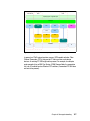
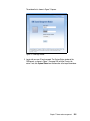
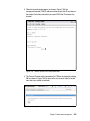
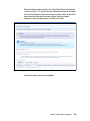
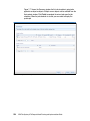
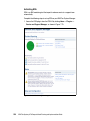
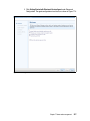
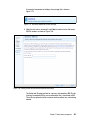
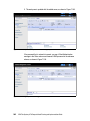
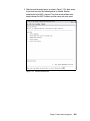
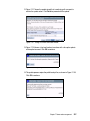
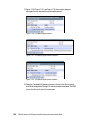
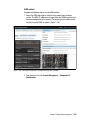
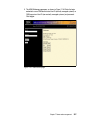
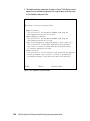
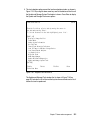
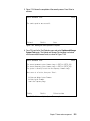
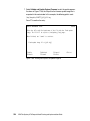
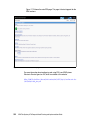
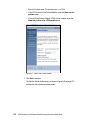
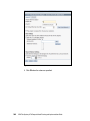
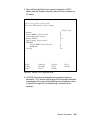
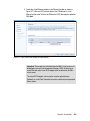
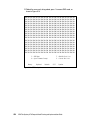
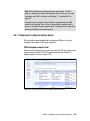
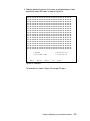
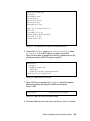
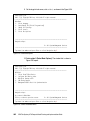
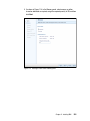
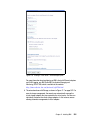
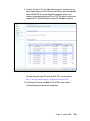
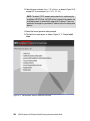
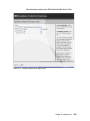
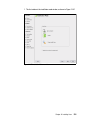
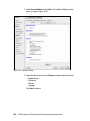
1. Complete the steps in “Creating the virtual server” on page 358 to reach the
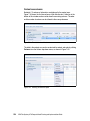
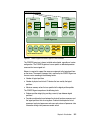
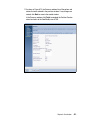
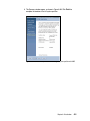
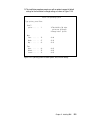
point that is shown in Figure 8-8 on page 359. The window that is shown in
Figure 8-84 on page 431 opens.
430
IBM Flex System p270 Compute Node Planning and Implementation Guide