1
iQ-LITE 2.5.0 User Manual
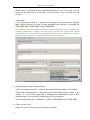
next. That means, when browsing through a series and reaching first or last
image, the viewer will automatically switch to the next series, e.g. to easily
browse through brainstem and brain tissue as they would one series or browse
through a whole MRI with a lot of sequences without need of selecting of all of
them.
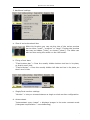
3. Tile
Images will be displayed like on a film, e.g. image 1-4 of a series if 2:2 layout
is selected. If you scroll to the next page, images 5-8 will be displayed etc.
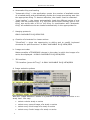
4. Lines
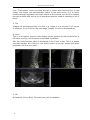
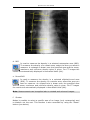
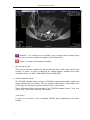
This is a scoutpilot function with display of the position of the current slice in
the other level(s); this function is activated by default.
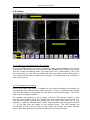
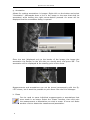
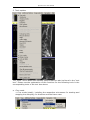
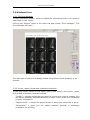
Also the virtual section plane is displayed in the ‘Lines’ mode. This is a dotted
line that displays the virtual or real section plane of the two planes that were
projected one onto the other.
Lines display including virtual lines
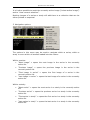
5. Off
All features (Sync, Bind, Tile and Lines) will be disabled.
14