1
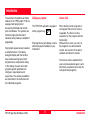
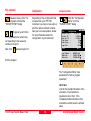
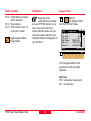
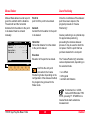
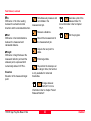
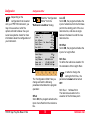
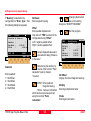
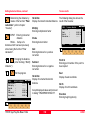
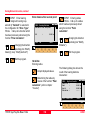
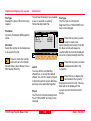
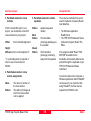
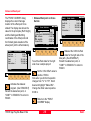
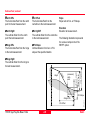
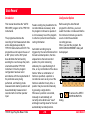
Measure Mode
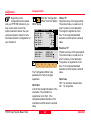
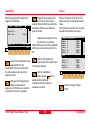
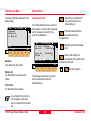
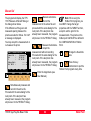
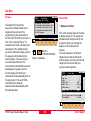
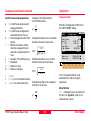
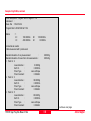
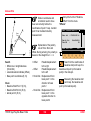
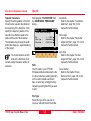
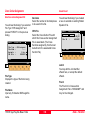
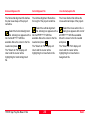
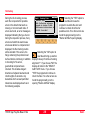
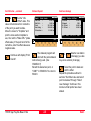
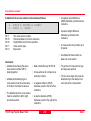
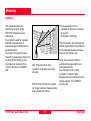
Enter the target point number and
height of the reflector.
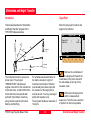
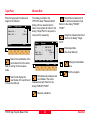
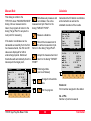
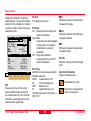
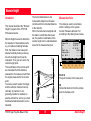
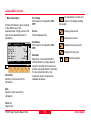
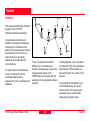
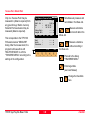
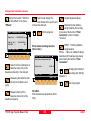
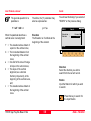
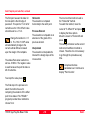
This dialog is similar to the
TPS1100’s basic "Measure Mode"
dialog. Once a measurement is
taken, the program will return to the
dialog "Target Point" to acquire the
next point for measuring.
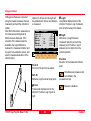
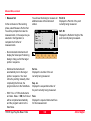
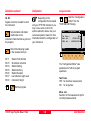
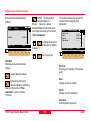
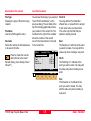
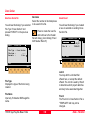
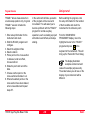
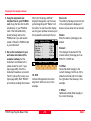
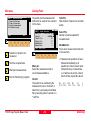
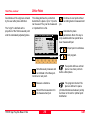
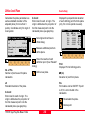
Target Point
Point Id :
Refl. Ht. :
SEARC
MC
Resec\
30
1.300 m
VIEW
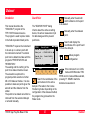
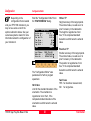
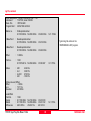
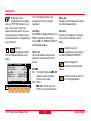
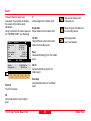
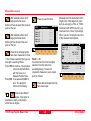
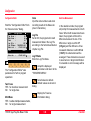
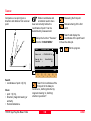
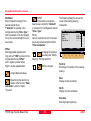
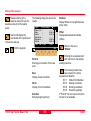
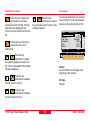
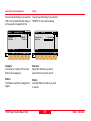
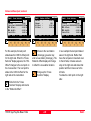
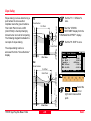
Search the coordinates of the
point entered from the active
data job and go to the measure
mode.
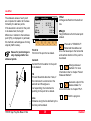
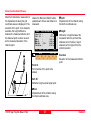
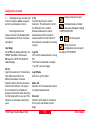
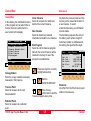
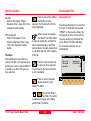
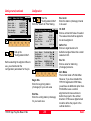
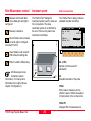
Resec\
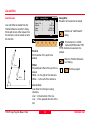
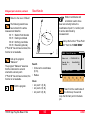
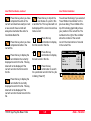
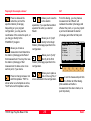
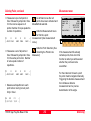
Measure
Point Id :
1
Hz
:
286°55’50’’
V
:
91°16’20’’
Refl. Ht. :
0.000 m
Slope Dist:
----ALL
DIST
REC
MC
Target Point
CONT TARGT
I<>II
QUIT
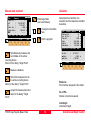
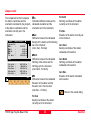
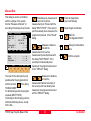
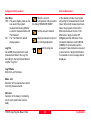
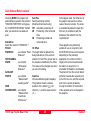
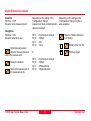
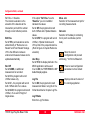
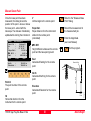
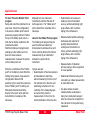
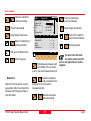
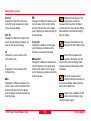
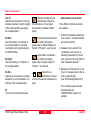
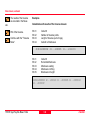
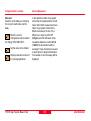
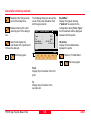
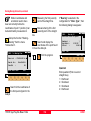
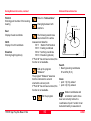
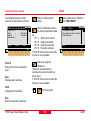
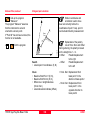
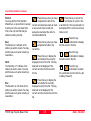
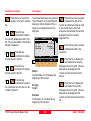
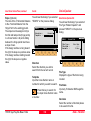
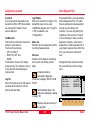
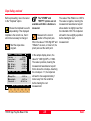
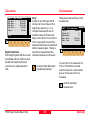
Record the measurement in
the active measurement job.
Return to the dialog "TARGET
POINT".
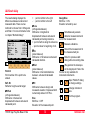
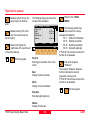
Accept the measurement and
return to the dialog "Target
Point".
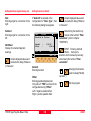
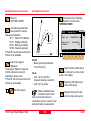
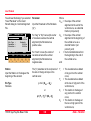
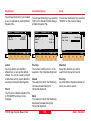
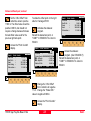
Enter target data.
(See User Manual)
Change the theodolite
face.
Exit the program.
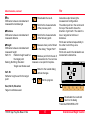
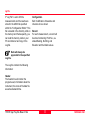
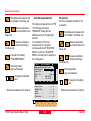
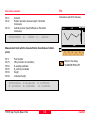
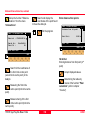
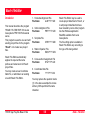
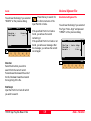
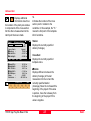
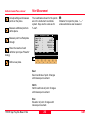
Search and display the
coordinates of the point found
in the active data job.
Simultaneously measure and
record data in the active
measurement job. Return to the
dialog "TARGET POINT".
Measure a distance.
TPS1100 - Appl. Prog. Ref. Manual 2.2.0en
23
Resection