1
and then turn it on again. Turn the system off, wait 5 minutes and turn it back on. If
the problem persists contact Okolab at http://www.oko-lab.
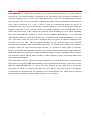
9.3.3 Changing Set Points.
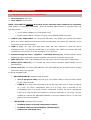
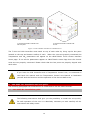
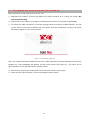
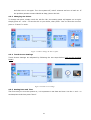
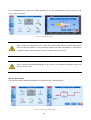
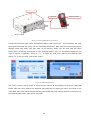
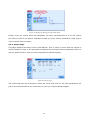
To change set-point, simply touch the tab for CO2; the setting panel will appear on its right.
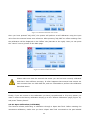
Simply press on + and – to set the CO2 % you desire, then press “Set” to save the new setpoint or “Cancel” to undo.
1
2
Figure 14. How to change the CO2 set point.
9.3.4 Touch Screen Settings
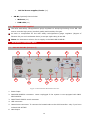
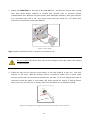
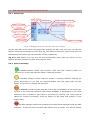
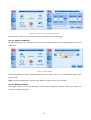
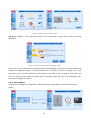
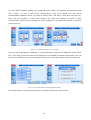
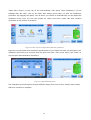
Touch Screen Settings are adjusted by following the two steps below (look at the touching
finger)
Figure 15.Touch screen settings.
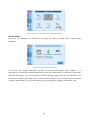
9.3.5 Setting Date and Time
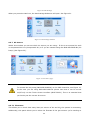
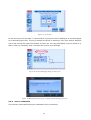
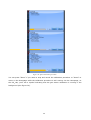
The first time you turn the system on, it is important to set date and time. Use the + and – to
set date/time and then press “Save”.
21